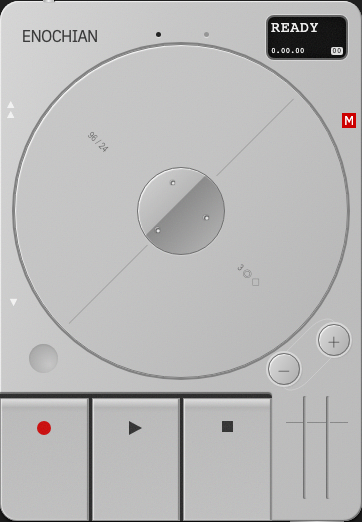
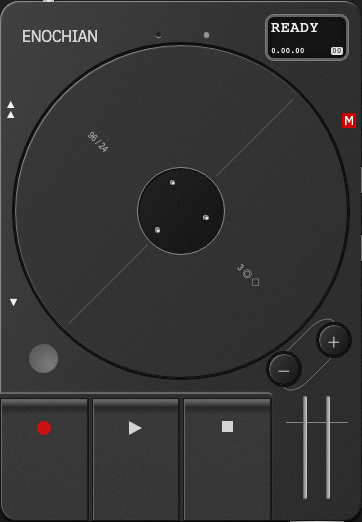
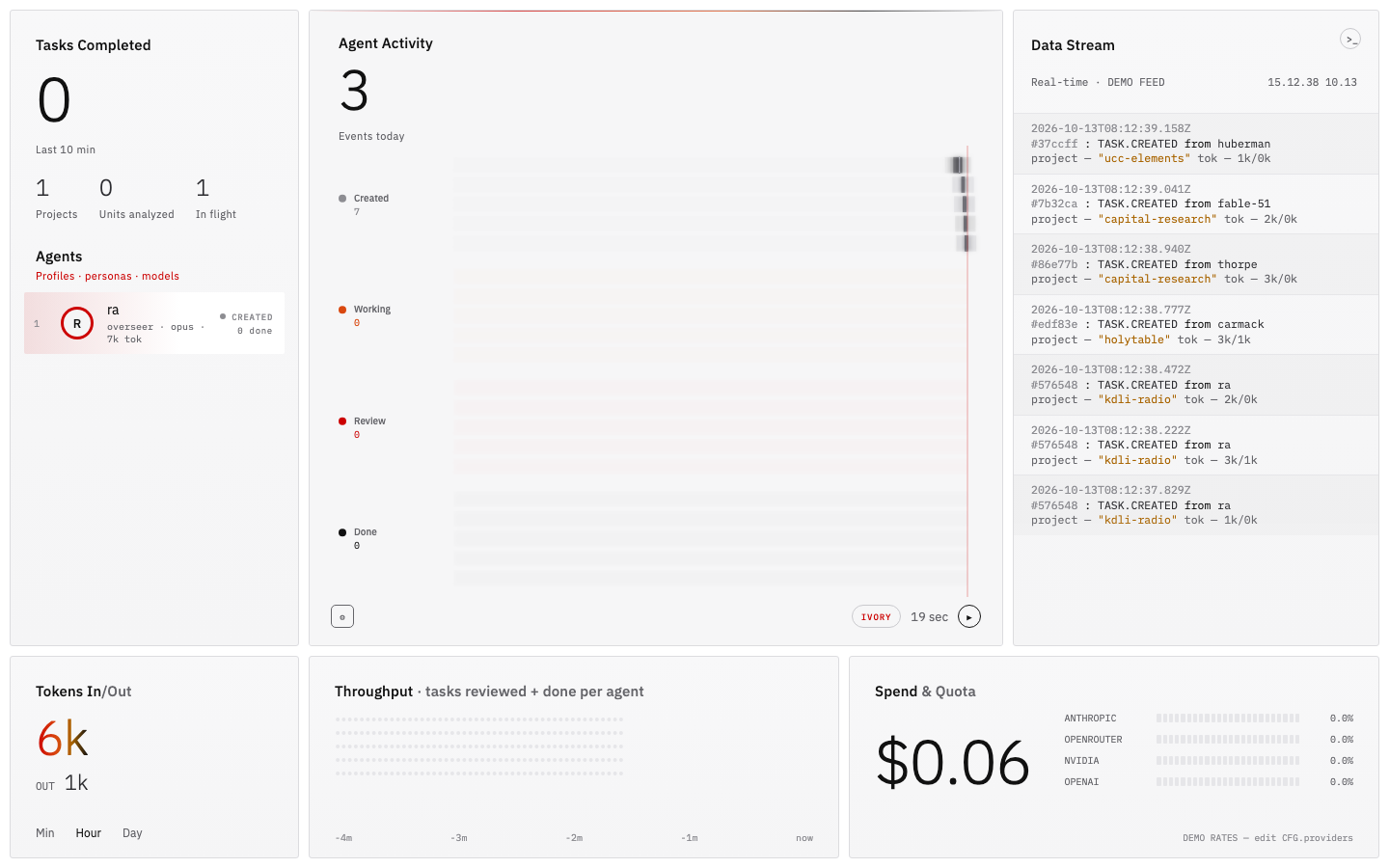
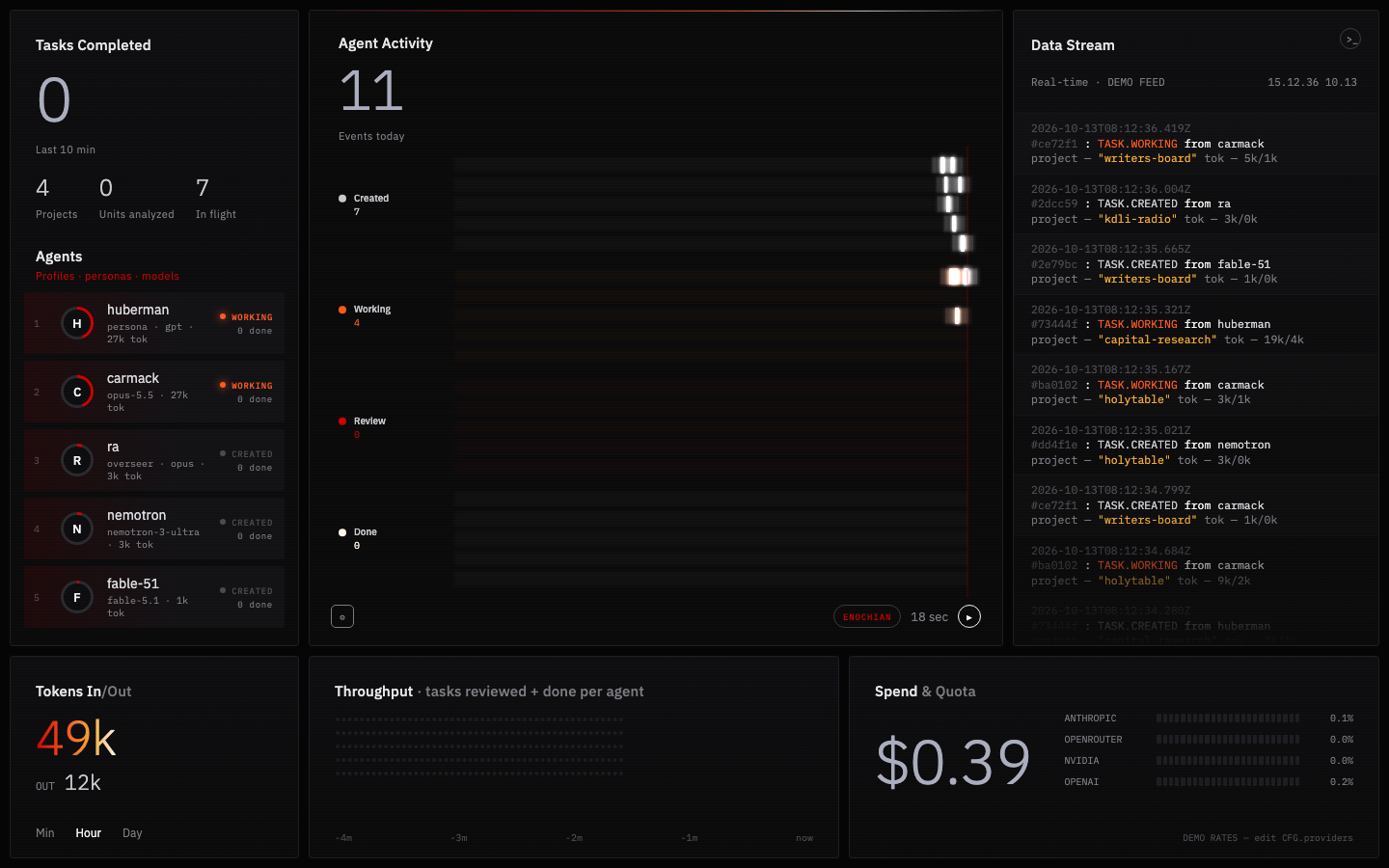
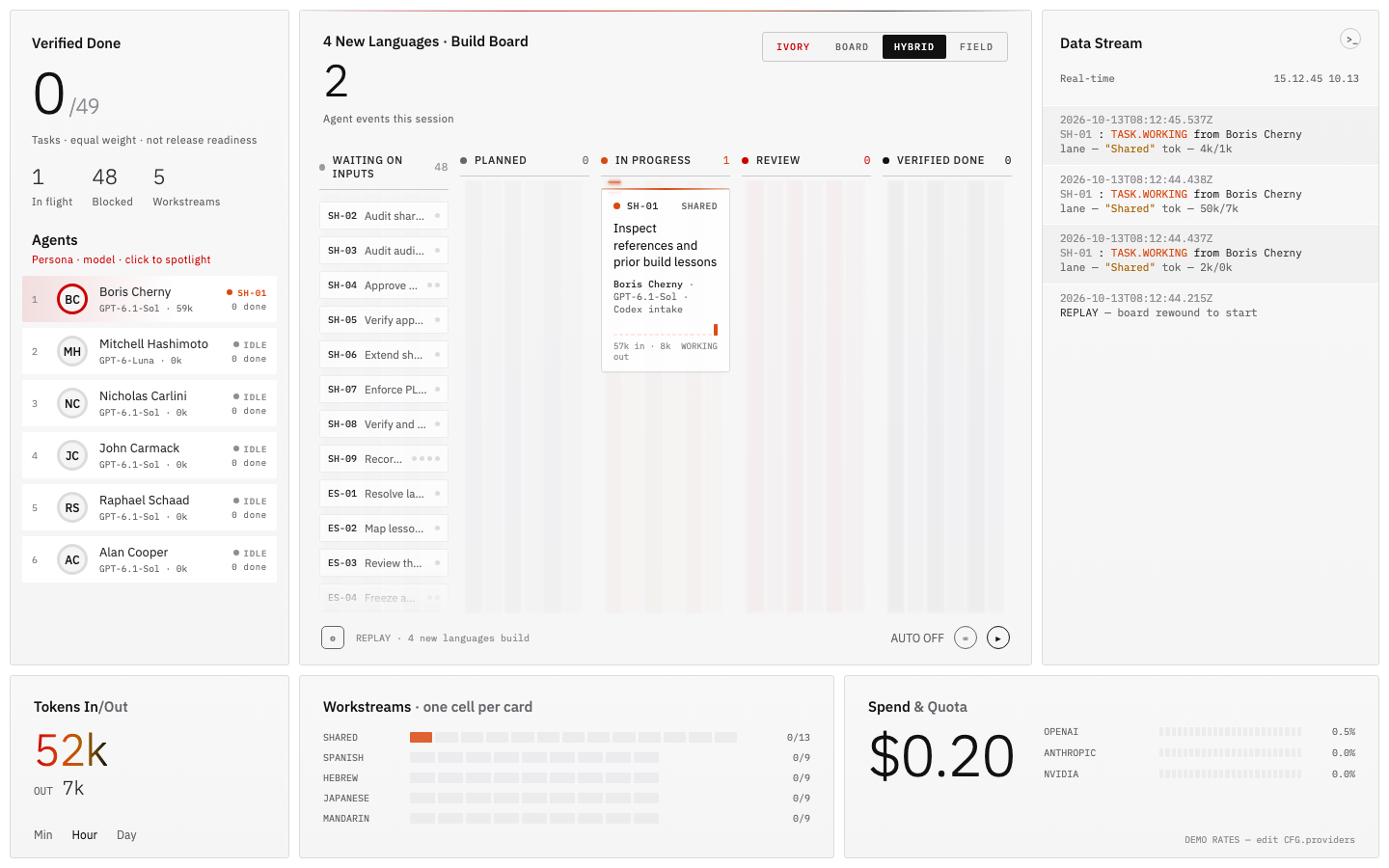
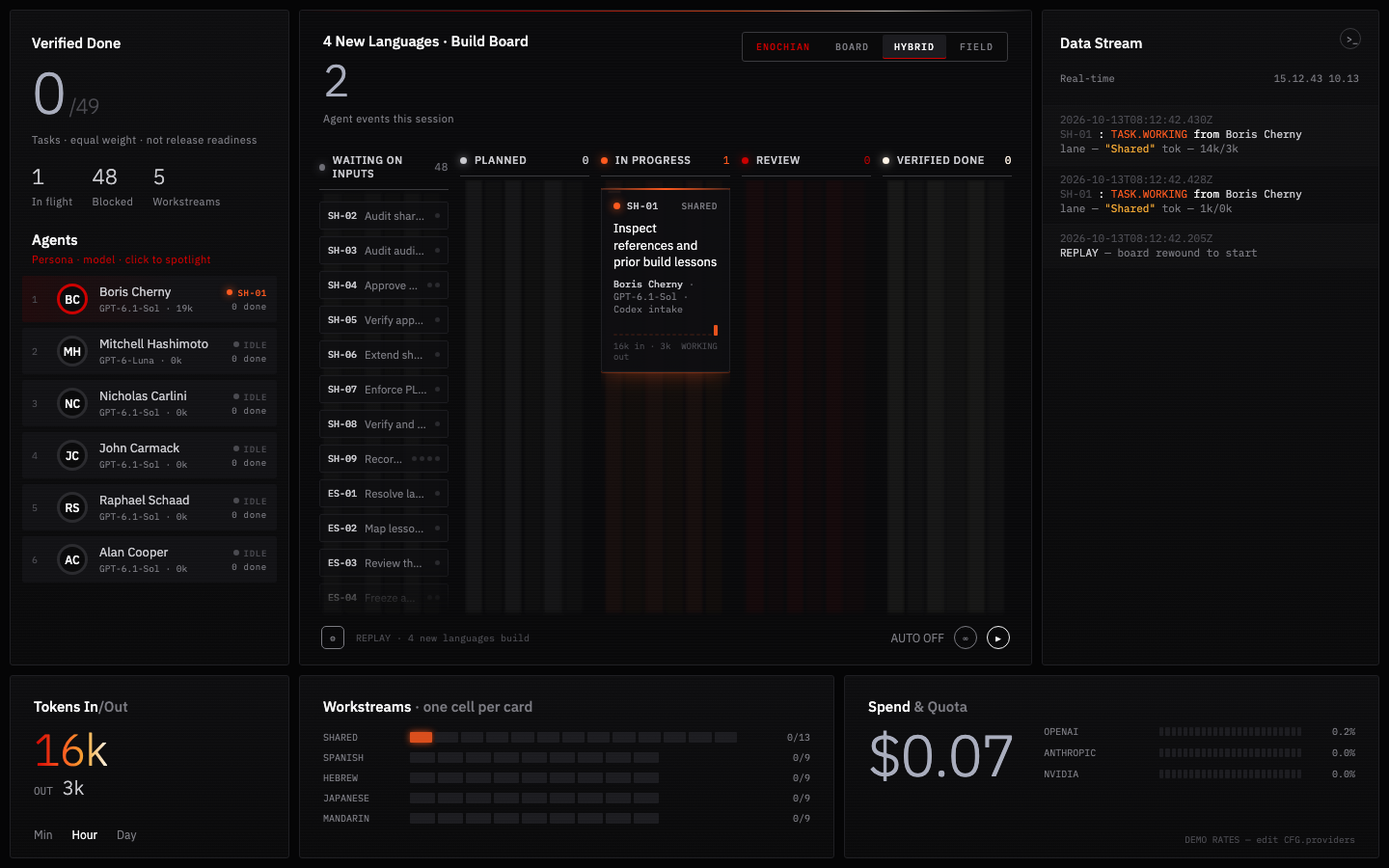
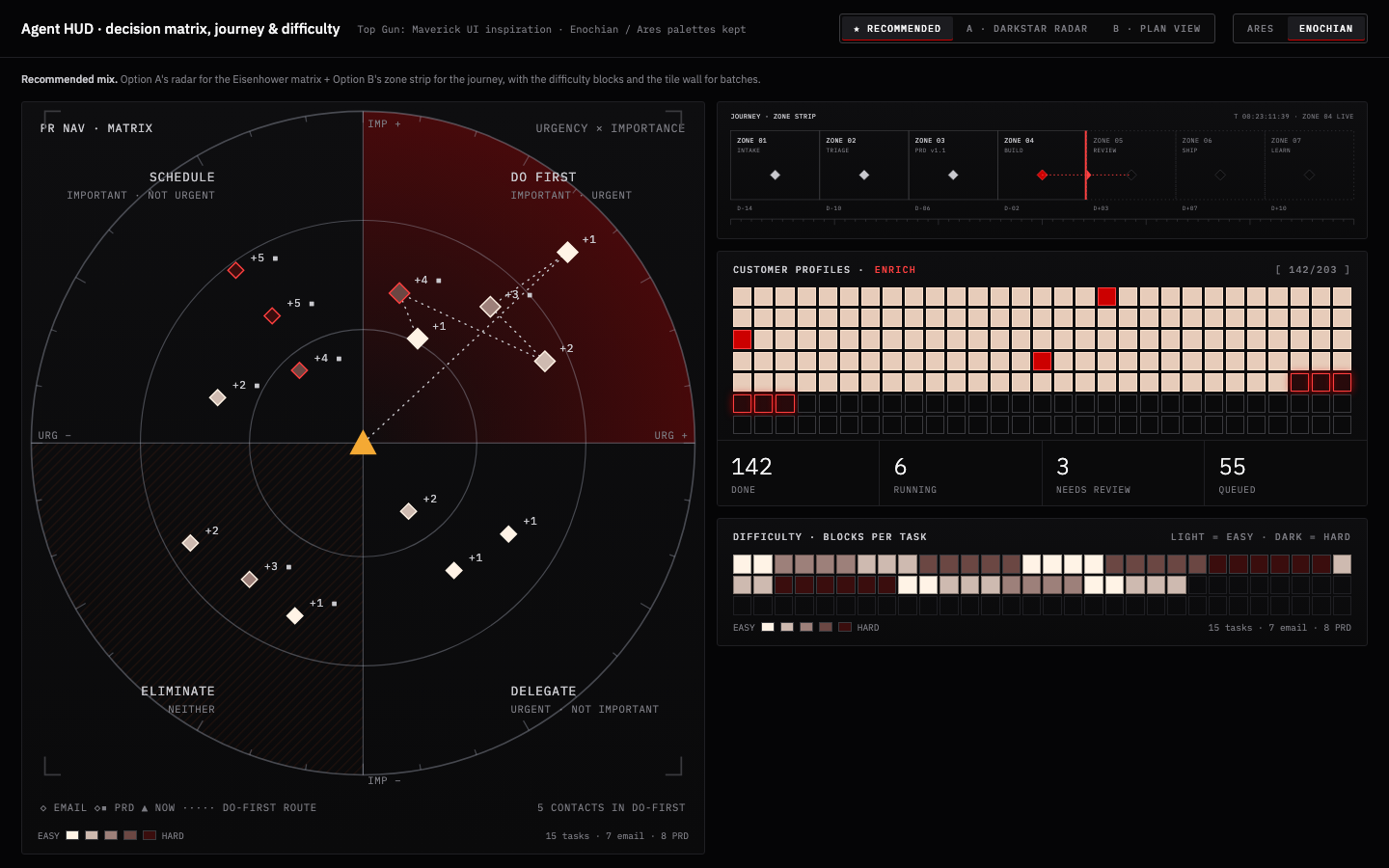
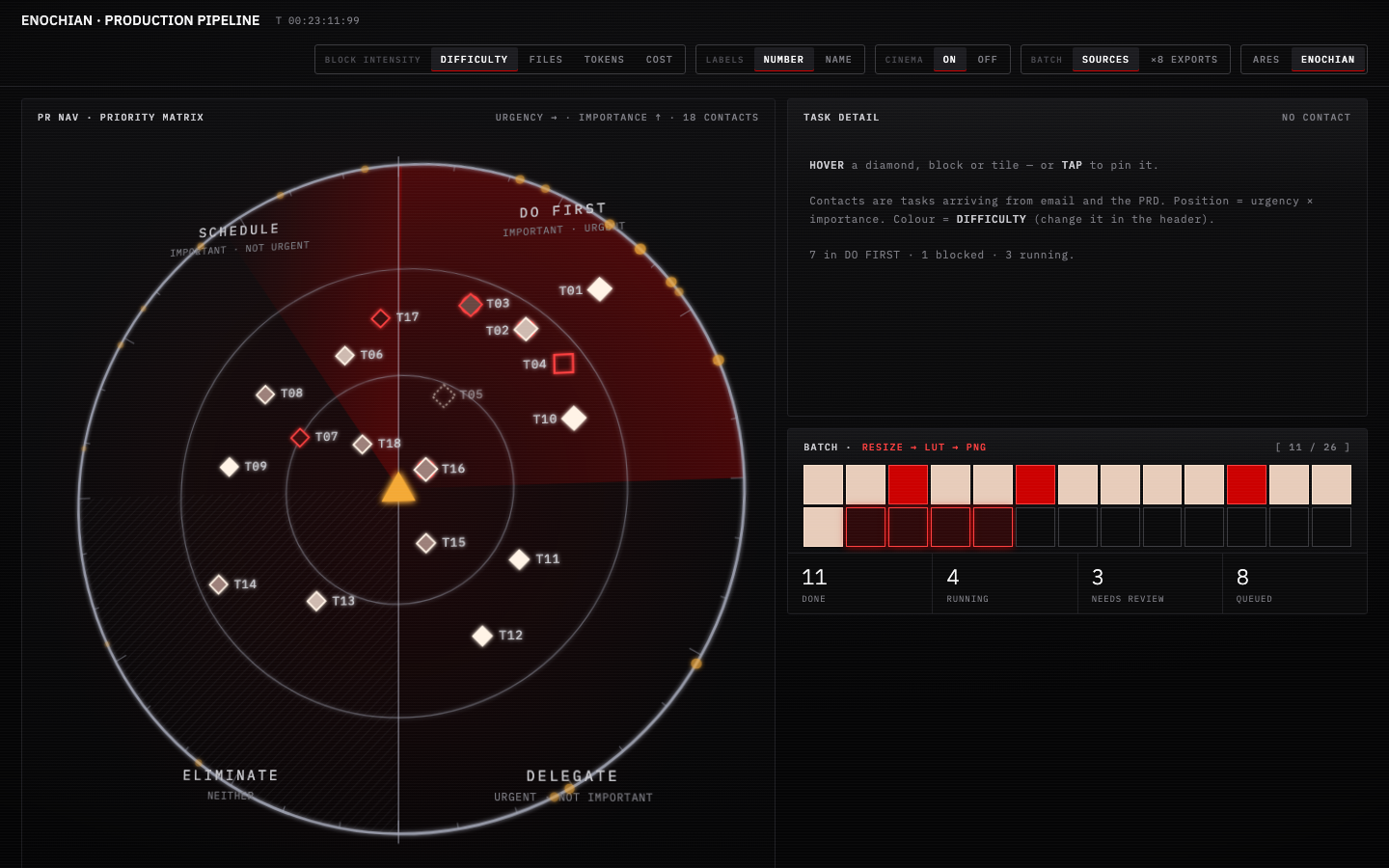
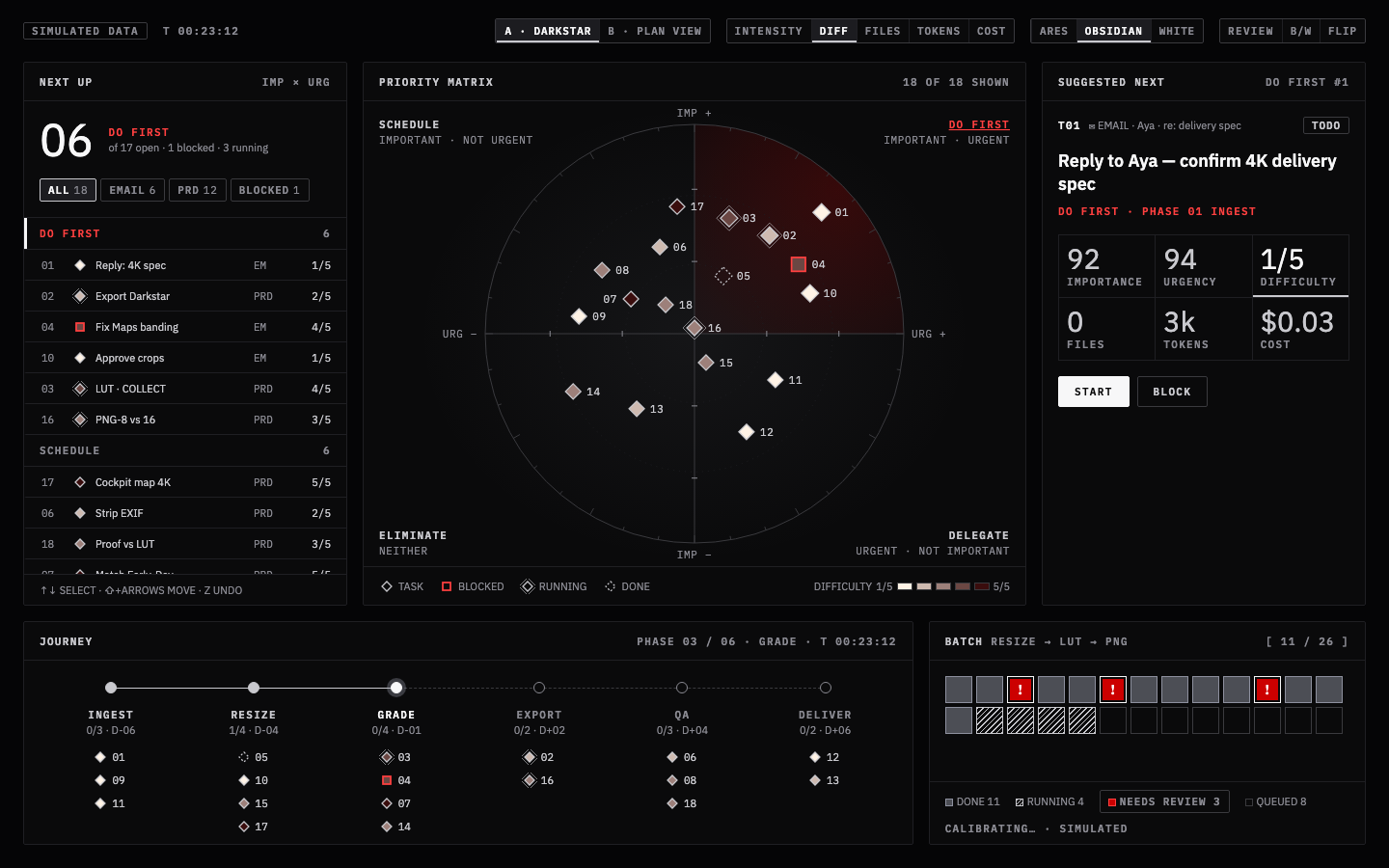
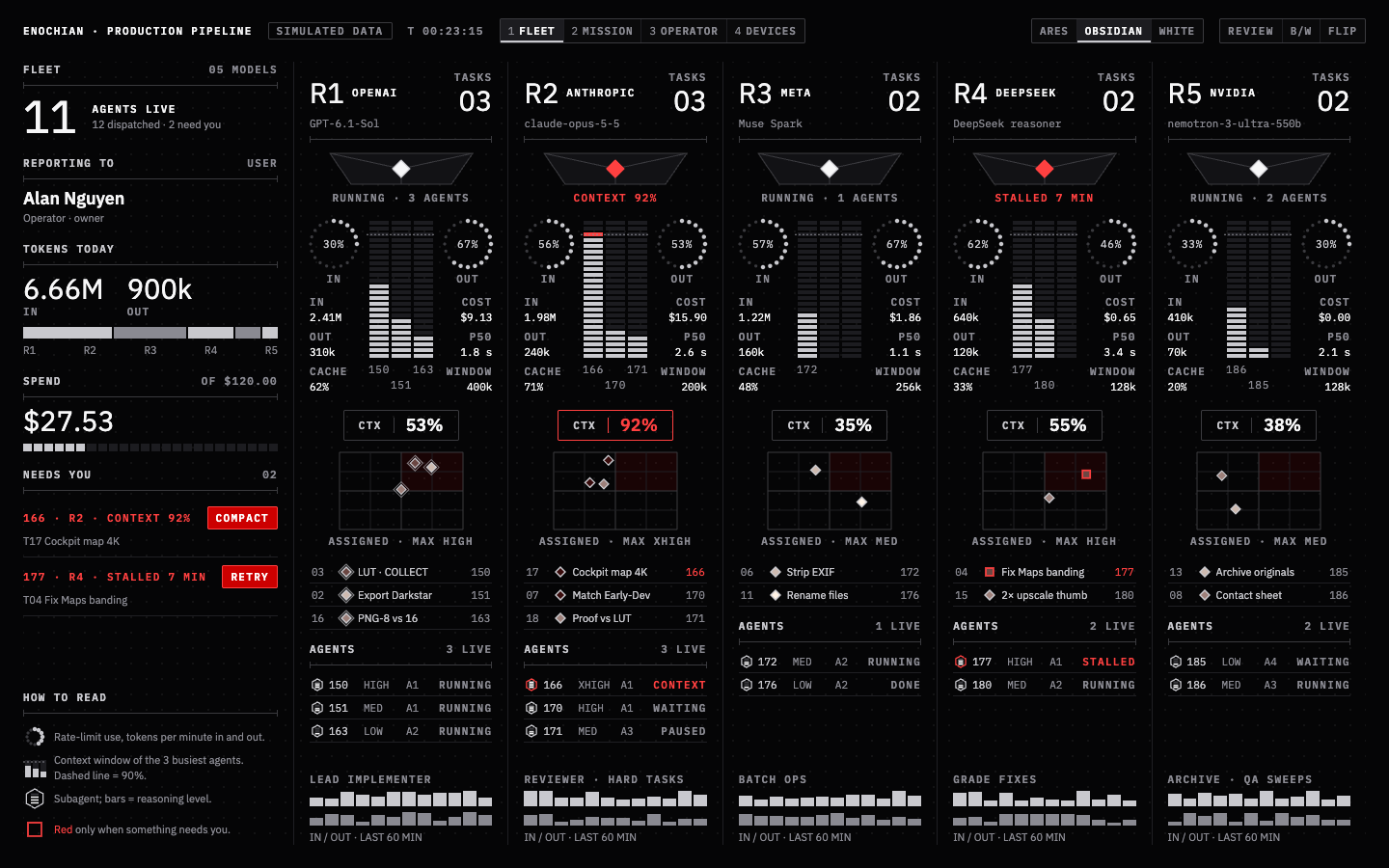
Turn knobs, play keyboards, mix sound, and explore digital dashboards. 63 working controls, 12 complete device studies, and 6 dashboard and HUD studies for coding agents, VR interfaces, and video production.
Purpose
One job per control, and the state it is in stays visible.
Use
Panels, mini-apps, and device surfaces you touch away from the laptop.
How
Turn, flip, press, drag. Use a pointer or keyboard, choose a finish, and open Code to copy a control pattern.
Press, latch, and commit. Reach for these when the user starts, holds, or confirms an action.
10 controls
02 / 06
State
Make on, off, and mode visible. Reach for these when a setting has to read at a glance — in the dark, or across the room.
12 controls
03 / 06
Choice & value
Tune continuous and stepped values. Reach for these when a value is chosen, not typed.
10 controls
04 / 06
Navigation
Search, move focus, and enter. Reach for these when the surface holds more than one thing.
7 controls
05 / 06
Time & playback
Control duration, transport, and sound. Reach for these when something runs, counts, or plays.
8 controls
06 / 06
Signal & feedback
Read conditions, levels, and outcomes. Reach for these when the system reports rather than asks.
15 controls
Enochian Elements
A control atlas for touch, motion, and state
These controls are designed to be felt before they are understood: dials that turn with weight, switches that settle into place, buttons that press into their sockets, and displays that make state visible.
Every element below is a working interaction study. Change its state, test its keyboard behavior, and reveal the implementation when you want to inspect the pattern behind the surface.
Portable by design. No hosted design service is required. The controls are self-contained, accessible, and ready to adapt.
Signal accent:
Inspect the construction
/ Code
Enochian Code Toggle · Show or hide implementation codeShow code / VISIBLE
Enochian Code Toggle turns the atlas from a visual catalogue into a practical reference. Switch it on to reveal a copyable implementation fragment beneath every control.
Show code
pointer or keyboard · Space / Enter · every revealed pattern is copyable
Value controls
00.01 / Featured
Enochian Rotary Knob 01 · Bar position marker5% · CONTINUOUS · 80%
A dark, high-contrast dial with a signal-colored position marker. Use it when a value control should feel substantial and remain legible at a glance.
5% · MIN / HIGH presets below
drag ↕ · ←/→ keys · Home/End
03.01 / Choice & value
Enochian Rotary Knob 02 · Dot position marker0–100%
The same value model in a quieter finish. A single signal dot marks the current position without adding visual weight.
For ordered choices where landing between values would be meaningless. Select the number of detents and the dial redraws its scale while preserving an explicit position.
The Enochian Stepped Knob's fixed-choice logic in a compact horizontal form. One active marker glides between options so a change in state never feels like a teleport.
Option 3 of 5
the sliding pill glides on one spring — same pattern as CALM/PRESSURE
02.07 / State
Enochian Toggle Bank 01 · Three vertical switches; foundation designUP = ON
Three binary decisions in one visible instrument. Each column moves independently while the readout exposes the complete configuration.
OFF – OFF – OFF
three test presets · drag ↕ · click · Space / Enter · arrow keys
Playback and time
05.01 / Time & playback
Enochian Radio Player · Power, playback, and volumeOFFLINE / ENOCHIAN
Playback treated as a physical object. The grill, power control, signal LEDs, and volume dial each carry part of the state.
OFFLINE
17:40 Sep 11
EnochianRECEIVER
OFF
power click also starts a soft WebAudio static bed · knob = gain + meter
05.02 / Time & playback
Enochian Clock · Analog face and digital timeIDENTITY × 3
A readable analog face with live digital time. The signal-colored second hand and arc make time visible without competing with the primary hands.
NOT PLAYING
--:--:--
Enochian sigil
live time · cinnabar arc = seconds · ←/→ changes identity · speaker toggles playback
Duration made legible through three synchronized signals: a digital readout, an increasing elapsed-time arc, and a remaining-time subdial.
Enochian
01:00.0
READY · 60 SECOND TEST
top-left starts/stops · top-right resets · cinnabar arc increases with elapsed time · upper subdial tracks remaining minutes
05.04 / Time & playback
Enochian 90 Second Timer · Single, repeated, or looped intervals90 SEC · ONCE / ×4 / LOOP
The Enochian Countdown Timer on a 90-second face. One sweep of the red hand is the whole interval, so the hand's position tells you the time left without reading the digits. Use it for rest between sets, a 90-second pitch, or the ninety-second rule for letting a feeling pass. Repeat it and the upper subdial counts rounds. The last three seconds tick so you don't need to look.
Enochian
01:30.0
READY · 90 SECONDS
top-left starts/stops · top-right resets · one sweep of the red hand = 90 seconds · upper subdial counts rounds · soft ticks in the last three seconds
05.05 / Time & playback
Enochian Pomodoro Timer · Focus and break cycles25 + 5 · 50 + 10 · LONG BREAK AFTER 4
One whole Pomodoro cycle on one face. The ring is 30 minutes long and the last five minutes are shaded as the break. The red arc fills while you focus and an ink arc continues into the break, so the face shows where you are in the cycle as well as how long is left. The upper subdial fills one dot per completed focus session. After four, a 15-minute long break follows.
Enochian
25:00.0
READY · FOCUS 1 OF 4
top-left starts/pauses · top-right resets the set · bottom-left skips to the next phase · bottom-right AUTO carries on into the next phase · red = focus, ink = break
Trigger controls
04.02 / Navigation
Enochian Typing Keyboard · Mechanical text keysPOINTER / KEYBOARD
A compact mechanical board with deep key travel, Cinnabar modifier keys, and the Enochian brandmark. Every key visibly bottoms out when tapped.
READY · tap a key to type
matte concave Cinnabar keys · Ivory / Obsidian typing keys · pointer tap or Space / Enter visibly depresses each key
01.01 / Action
Enochian Push Button 01 · Press and releasePRESS / RELEASE
A single-purpose actuator with a dished surface, a visible socket, and enough vertical travel to make the press unmistakable.
READY · 0 presses
dished Ivory cap · Cinnabar signal · pointer or Space / Enter · momentary return
01.03 / Action
Enochian Button Bank 01 · Three buttons; momentary or latchMOMENTARY / LATCH
Three arcade-style controls with a physical press, visible socket, and immediate signal response. Use momentary behavior for hold actions or latch behavior for persistent state.
Twenty compact controls for direct actions and visible state. Cinnabar carries the signal; Ivory and Obsidian carry the surface.
Each control does one job and shows its state plainly. Every one has an Ivory and an Obsidian finish, spring motion, keyboard access, and a copyable fragment behind the Code.
Same construction. No libraries and no hosted services. The springs, clicks, synth voices and ball physics are all written inline.
Find the right pattern
Play notes with the Enochian Synth Keyboard.
Trigger or latch an action with the Enochian Button Bank 02, the Enochian Push Button 02 or the Enochian Push Switch.
Turn something on or off with the Binary, Cinnabar, Beacon, Glyph, Pinch and Enochian Toggle Switch 06 switches.
Set several on/off states side by side with the Enochian Toggle Bank 02 and the Enochian Rocker Switch Bank.
Pick a value along a line with the Trackin', Square and Dimpled sliders.
Steer in two dimensions with the Enochian Joystick.
Find anything on this page with Enochian Search Field.
Signal accent:Clicks:
Inspect the construction
/ Code
Enochian Code Toggle · Show or hide implementation codeShow code / VISIBLE
The same switch as the other sections. Turn it on to show the fragment that makes each control behave.
Show code
pointer or keyboard · Space / Enter · every revealed pattern is copyable
04.01 / Navigation
Enochian Search Field · Expandable searchCLICK · TYPE · ENTER
A search that hides until it's wanted. Tap the ball and it rolls to the far end, laying out the field behind it. Type to filter the compact controls on this page, and press Enter to jump to one. Escape rolls it home and clears the field.
closed · controls indexed
click the ball or press / anywhere on the page · ↑/↓ choose · Enter jumps · Esc closes
Enochian Search Field
// The ball rolls without slipping: rotation = distance / radius.
const travel = bar.clientWidth - ball.offsetWidth;
spring.to(open ? 1 : 0);   // one spring drives both ball and field
onFrame(x => {
  ball.style.transform  = `translateX(${x * travel}px) rotate(${x * travel / 30}rad)`;
  field.style.width     = `${56 + x * travel}px`;
});
Keys and buttons
01.07 / Action
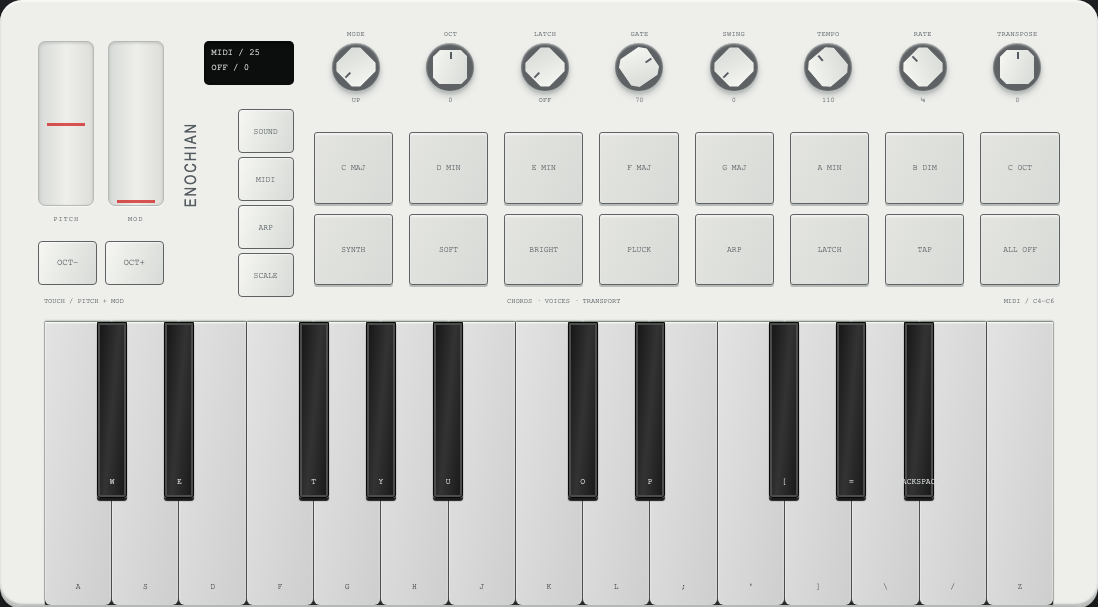
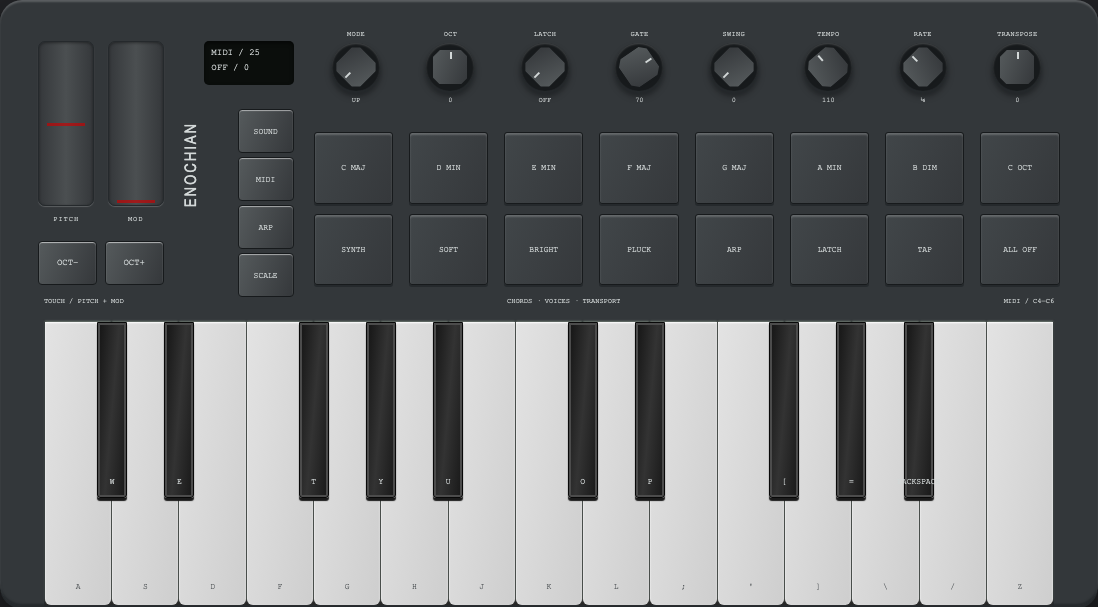
Enochian Synth Keyboard · Playable octave7 WHITE · 5 SIGNAL · SYNTH
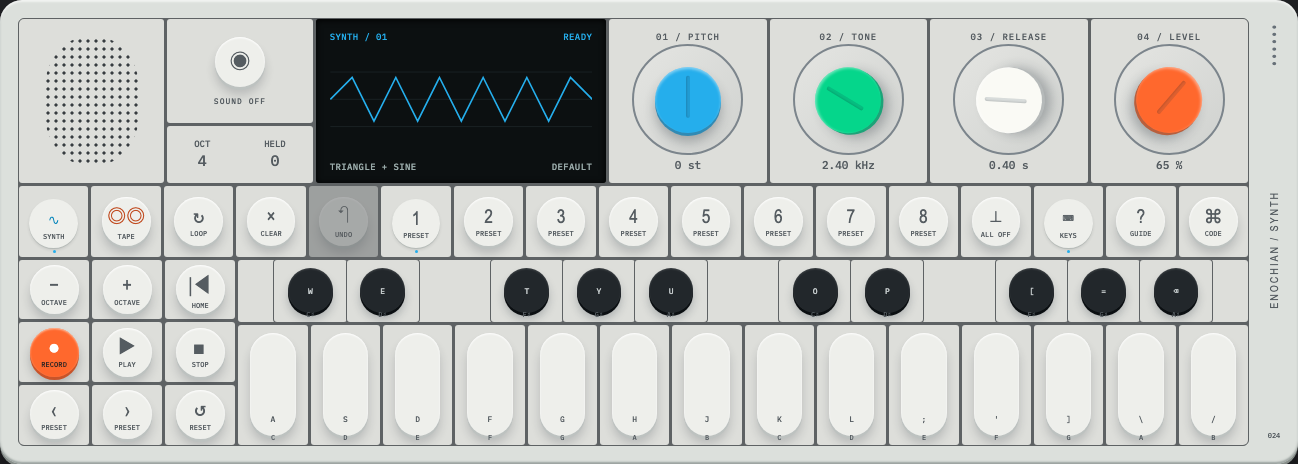
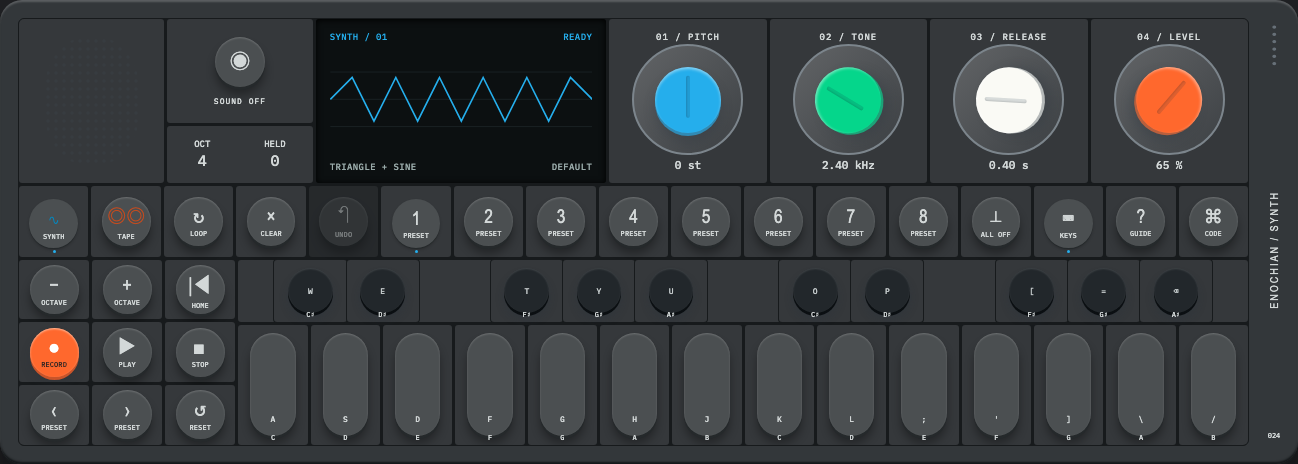
One octave of a pocket synth. Each key is a pill cap set in a square cell, and the accidentals are round caps marked with the signal dot. Hold a key and the note sustains, then fades out when you let go. Several keys can sound at once. Your computer keyboard plays it too once it has focus.
OCT 4 · READY
octave 4 · C4 = 261.6 Hz
pointer: press and hold, slide across keys · keyboard: A–J white, W E T Y U round, Z / X octave
Enochian Synth Keyboard
// One voice per held key: attack, decay to sustain, release on key up.
function noteOn(midi) {
  const f = 440 * 2 ** ((midi - 69) / 12), t = ctx.currentTime;
  const osc = ctx.createOscillator(); osc.type = "triangle"; osc.frequency.value = f;
  const g = ctx.createGain();
  g.gain.setValueAtTime(0.0001, t);
  g.gain.exponentialRampToValueAtTime(0.22, t + 0.005);   // attack
  g.gain.exponentialRampToValueAtTime(0.09, t + 0.3);     // decay → sustain
  osc.connect(g).connect(master); osc.start();
  voices.set(midi, { osc, g });
}
function noteOff(midi) { const v = voices.get(midi); v.g.gain.setTargetAtTime(0.0001, ctx.currentTime, 0.08); v.osc.stop(ctx.currentTime + 0.5); }
01.04 / Action
Enochian Button Bank 02 · Three latching buttonsSIGNAL · WHITE · BLACK
Three latching buttons, told apart by colour. A press seats the cap and lights the lamp above it, and a second press releases it. The red one is kept for the action you most want to notice.
rec
mon
mute
none latched
click or Space / Enter · press again to release
Enochian Button Bank 02
.rb { transform: translateY(-3px); box-shadow: 0 5px 0 var(--wall), 0 10px 16px rgba(0,0,0,.24); }
.rb[aria-pressed="true"] { transform: translateY(1px); box-shadow: 0 1px 0 var(--wall), 0 3px 6px rgba(0,0,0,.24); }
/* the wall shadow shrinks by the same 4px the cap travels */
01.02 / Action
Enochian Push Button 02 · Tap or holdTAP · HOLD 600 ms
A large domed button in a black socket. A tap is a click, and holding for 600 ms is a second action, so a long press can mean "more". The lamp blinks for a tap and stays lit after a hold.
0 taps · 0 holds
pointer: tap or hold · keyboard: Space / Enter, hold for the alternate action
Enochian Push Button 02
btn.onpointerdown = () => { held = false; timer = setTimeout(() => { held = true; onHold(); }, 600); };
btn.onpointerup   = () => { clearTimeout(timer); if (!held) onTap(); };
01.05 / Action
Enochian Push Switch · Press to toggleON / OFF
A signal-red latch with a dished face. Turning it on deepens the dish as the cap seats, and the lamp above confirms the state. Use it for one important on/off, like arming or going live.
Enochian Pop Buttons · Six resettable buttonsPOP ALL TO RESET
Six bubbles that invert when pressed, and a signal dot shows in each one you've popped. Pop all six and the tray flips over, ready to start again. It's a toy, but it's also a checklist where the finish resets itself.
3 of 6 popped · tray 1
click or Space / Enter on a bubble · a popped bubble pops back up when pressed
The baseline toggle. A white knob in a sunken track, and the track fills black when the switch is on. Click it, or drag the knob and let it settle on the nearer side.
off
click, drag ↔, or Space / Enter
Enochian Toggle Switch 01
// Drag or click: a drag settles on the nearer side, a click flips.
up = () => moved > 3 ? set(spring.x > .5) : set(!on);
knob.style.transform = `translateX(${x * 44}px)`;
02.02 / State
Enochian Toggle Switch 02 · Color signalNEUTRAL → SIGNAL
When this switch is on, the whole switch turns the signal colour, track and knob together. Save it for the one setting whose state should be obvious from across the room.
Enochian Toggle Switch 03 · Indicator lights○ OFF · ● ON
A toggle with a lamp at each end. The ring on the left lights when the switch is off, and the dot on the right lights in the signal colour when it's on. Exactly one lamp is always lit, so the state reads even when the knob is out of sight.
off · ring lit
click, drag ↔, or Space / Enter
Enochian Toggle Switch 03
ringLed.style.opacity = on ? .25 : 1;   // off-state lamp
dotLed.classList.toggle("on", on);      // on-state lamp, signal colour
02.04 / State
Enochian Toggle Switch 04 · On/off symbolsI = ON · O = OFF
The IEC power symbols are printed in the track and the knob covers one of them, so the symbol you can see is the current state. "O" shows when the switch is off. When it's on, the knob covers the O and the "I" shows in the signal colour.
O · power off
click, drag ↔, or Space / Enter
Enochian Toggle Switch 04
<button class="tg" role="switch" aria-checked="false">
  <span class="io-i"></span><span class="io-o"></span><span class="tg-k"></span>
</button>   <!-- the knob is drawn last, so it hides the symbol it sits on -->
02.05 / State
Enochian Toggle Switch 05 · Stretching knobKNOB STRETCHES IN TRANSIT
A pill-shaped knob that stretches while it moves and settles back into shape when it arrives. The stretch follows the spring's speed, so a quick flick stretches more than a slow drag. A lamp beside the track confirms the state.
off
click, drag ↔, or Space / Enter
Enochian Toggle Switch 05
// Stretch scales with the spring's velocity, then relaxes as it settles.
const PINCH = { stiffness: 420, damping: 22, mass: 1 };
onFrame(x => {
  const stretch = 1 + Math.min(.45, Math.abs(spring.v) * .09);
  knob.style.transform = `translateX(${x * travel}px) scaleX(${stretch})`;
});
02.06 / State
Enochian Toggle Switch 06 · Long trackTRAVEL TO THE LAMP
The pinching knob on an open rail. Switching on sends it all the way along the line until it covers the lamp at the end. The long throw makes a change feel deliberate, which suits settings people shouldn't flip by accident.
off · knob at rest
click, drag ↔, or Space / Enter
Enochian Toggle Switch 06
// Same pinch spring, longer travel: the rail is the track.
const travel = rail.clientWidth - knob.offsetWidth;   // ≈ 124 px vs 44 px
endLamp.classList.toggle("on", on);
02.08 / State
Enochian Toggle Bank 02 · Three vertical switches; compact designUP = ON
Three tall knobs on thin rails, each with two dimples. Slide a knob up to switch it on and the lamp above lights. Each knob works on its own, and the readout spells out the combination.
OFF – ON – OFF
click, drag ↕, Space / Enter, or ↑ / ↓
Enochian Toggle Bank 02
// Vertical travel: up is on. Arrow keys map to direction, not toggle.
track.onkeydown = e => { if (e.key === "ArrowUp") set(true); if (e.key === "ArrowDown") set(false); };
thumb.style.transform = `translateY(${(1 - x) * 58}px)`;
02.09 / State
Enochian Rocker Switch Bank · Three rocker switchesROCKER · LOCATOR LAMPS
A wall plate with three paddles. Each one rocks top-down for on and bottom-down for off, so the light catches it the way it would on a wall. Each locator lamp glows faintly while its light is off so you can find the switch in the dark, and brightens when it's on.
1 on · kitchen
click a paddle or Space / Enter · the lamps above stand in for the rooms
Enochian Rocker Switch Bank
/* the rocker is only a gradient flip: the pressed half is the darker half */
.ls-p                      { background: linear-gradient(180deg, #f6f6f7, #e7e7ea); }
.ls-p[aria-pressed="true"] { background: linear-gradient(180deg, #e2e2e5, #fbfbfc); }
.ls-p .dot { opacity: .45; }  .ls-p[aria-pressed="true"] .dot { opacity: 1; }
A continuous slider with a ribbed pill thumb on a hairline track. The part of the track behind the thumb fills black, so the value reads from the line alone. Drag anywhere on the track and the thumb follows.
35 / 100
drag ↔ or click the track · ←/→ 1 · PgUp/PgDn 10 · Home/End
Enochian Slider 01
// Grab the thumb where you hold it; click the track and it springs there.
const offset = onThumb ? e.clientX - thumbCenter : 0;
value = clamp((e.clientX - offset - rect.left - half) / travel, 0, 1);
fill.style.width = `${value * travel + half}px`;
A square cap that moves in eleven steps, clicking into each one. The ticks under the track light up behind the cap, so the setting reads as a count. Use it where values in between would mean nothing.
step 4 of 10
drag ↔ (it snaps with a click) · ←/→ one step · Home/End
Enochian Slider 02
const step = Math.round(raw * 10);
if (step !== last) { detentClick(); last = step; }
spring.to(step / 10);   // SNAP spring seats the cap into the detent
A signal-coloured thumb with a dimpled grip on a deep channel. The colour says this is the setting that matters, and the dimples show where to hold it. The channel fills with a light tint behind the thumb.
20 / 100
drag ↔ or click the channel · arrows · Home/End
Enochian Slider 03
/* dimples: a dot grid layered over the dome gradient */
.dmp .hs-th { background:
  radial-gradient(circle, dark 0 1.1px, transparent 1.5px) 0 0 / 6px 6px,
  radial-gradient(circle at 40% 25%, light, var(--accent) 60%, dark); }
02.12 / State
Enochian Rotary Switch · Quarter-turn on/offOFF 0° · ON 90°
A stove-style knob with a raised bar to grip. A quarter turn clockwise switches it on, and the pointer dot lights in the signal colour. Turning a knob takes more intent than tapping a toggle, which suits things that shouldn't switch on by accident.
OFFON
off · 0°
turn: drag around · click toggles · ←/→ or Space / Enter
Enochian Rotary Switch
// Follow the hand between the stops, then snap to the nearer one.
angle = clamp(start + delta, -8, 98);           // a little give past each stop
on    = angle > 45;  spring.to(on ? 90 : 0);    // HEAVY spring, one clack
Play
04.04 / Navigation
Enochian Joystick · Two-axis controlX · Y · 8 DIRECTIONS
A thumbstick with a dished cap. Push it in any direction and it springs back to center when you let go. The signal dot in the field moves at the speed the stick sets, so a light push creeps and a full push races. The readout gives the vector and the nearest of the eight directions.
center · x 0.00 · y 0.00
drag the stick · or focus it and hold the arrow keys
Enochian Joystick
// Clamp the stick to a circle, report a unit vector, spring home on release.
let dx = e.clientX - cx, dy = e.clientY - cy;
const r = Math.hypot(dx, dy), max = 26;
if (r > max) { dx *= max / r; dy *= max / r; }
stick = { x: dx / max, y: dy / max };
const dir = ["E","SE","S","SW","W","NW","N","NE"][Math.round(Math.atan2(dy, dx) / (Math.PI / 4) + 8) % 8];
01.08 / Action
Enochian Bouncing Balls · Tap to bounceTAP TO LAUNCH
Three balls at rest on a line. Tap one and it launches, falls under gravity, and loses a third of its speed on each bounce. It squashes on impact, and its shadow tightens as it lands. Each bounce click is quieter than the last.
at rest · 0 bounces
click a ball or Space / Enter on it · the motion is skipped if you prefer reduced motion
Enochian Bouncing Balls
vy -= 1800 * dt;  y += vy * dt;                 // px/s², up is positive
if (y <= 0) { y = 0; vy = -vy * 0.66; squash = Math.min(.35, -prevVy / 2400); bounceClick(squash); }
ball.style.transform = `translateY(${-y}px) scale(${1 + squash}, ${1 - squash})`;
shadow.style.transform = `scale(${1 - y / 400})`;  shadow.style.opacity = 1 - y / 300;
The compact control finish line
Small controls have the least room to explain themselves, so each one here carries its state in a single cue: a lamp, a colour, a printed symbol, or the depth of a cap. If you have to read the label to know whether something is on, the control hasn't done its job.
Less, but better, and always legible.
Enochian Elements
Instruments · signal, scale, and sequence
Enochian instruments for the atlas. These come from meters, tuners, turntables, tape decks and macro pads: hardware that shows its state through needles, lamps, key travel and light. Each one is translated into a pattern a web app can use.
Every element follows the atlas rules. Each has an Ivory and an Obsidian finish, one signal accent, spring motion, keyboard access, and a copyable implementation behind the Code.
Same construction. No libraries and no hosted services. Springs, clicks and drawing are written inline, so any control can be lifted out on its own.
Find the right pattern
Show a live level with the Enochian Analog Level Meter needle or the Enochian LED Level Meter segments.
Nudge a value around a center with the Enochian Pitch Slider.
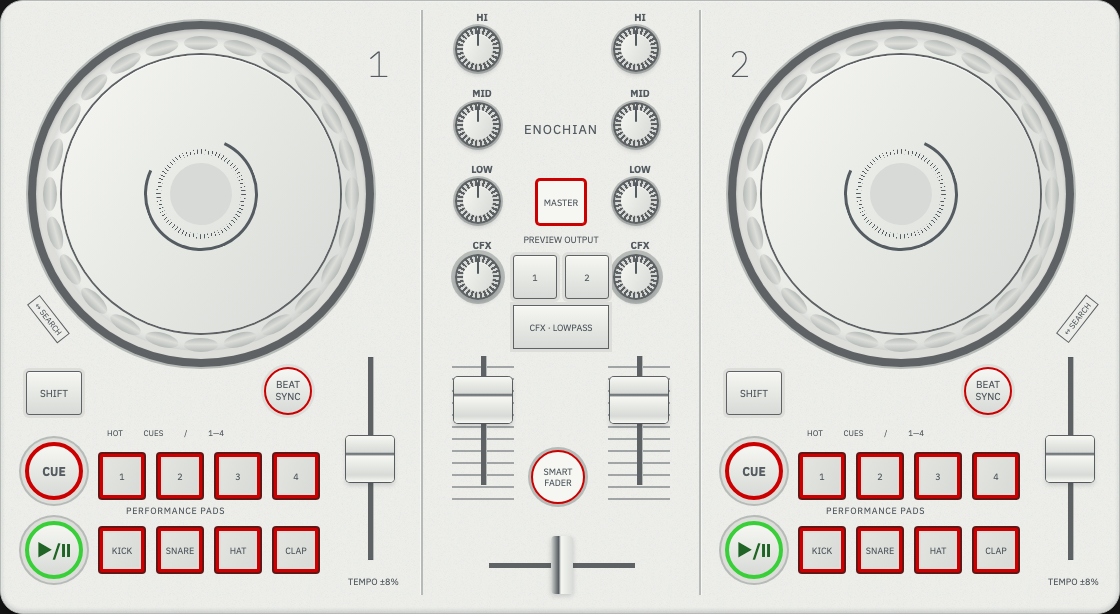
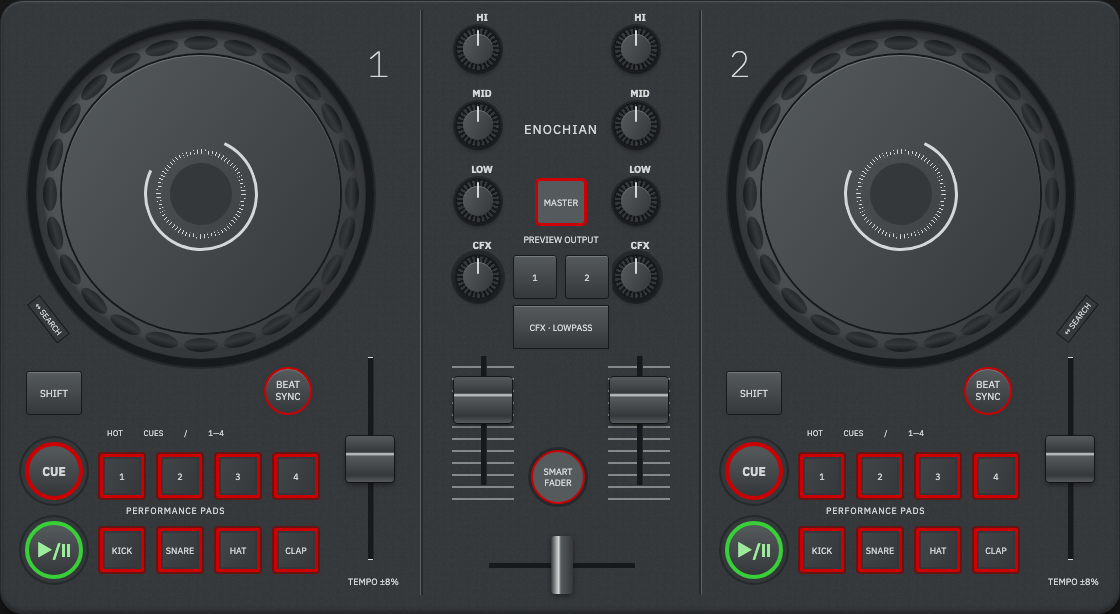
Balance related values with the Enochian DJ Mixer.
Pick from a long range with the Enochian Radio Tuner.
Choose one source and set independent options with the Enochian Input Selector.
Switch features on and off with the Enochian Light Switch Bank.
Scrub through time with the Enochian Turntable.
Run a mode-based state machine with the Enochian Tape Deck.
Group commands into layers with the Enochian Macro Pad.
Perform and sequence with the Enochian Drum Machine.
Grade an image or a timeline with the Enochian Video Editor.
Enter numbers fast with the Enochian Number Pad.
Move focus without a pointer with the Enochian Remote Control.
Scroll a list by turning with the Enochian Scroll Wheel.
Split one value two ways with the Enochian Speaker Crossover.
Set the page volume and pick an input with the Enochian Stereo Speakers.
Commit several settings with one action with the Enochian Camera rangefinder.
Hold a direction and see how far off it you are with the Enochian Compass compass.
Set a target and watch the system work toward it with the Enochian Thermostat thermostat.
Show a fast-changing value with the Enochian Speedometer speedometer, and several loads at once with Enochian System Monitor.
Show a live schedule or queue with the Enochian Flight Board and Enochian Task Board split-flap boards.
Talk to a voice AI and see who is speaking with Enochian Voice Assistant, the angel channel.
Watch a context window fill with Enochian Context Meter 01, Enochian Context Meter 03 or Enochian Context Meter 02, and see which agents are working with Enochian Agent Monitor.
Pace a subscription's session and weekly limits with Enochian Usage Monitor.
Signal accent:Clicks:
Inspect the construction
/ Code
Enochian Code Toggle · Show or hide implementation codeShow code / VISIBLE
Enochian Code Toggle reveals a copyable fragment. Turn it on to show a copyable fragment under each instrument below: the part that makes the control behave, not the whole file.
Show code
pointer or keyboard · Space / Enter · every revealed pattern is copyable
Signal and measurement
06.01 / Signal & feedback
Enochian Analog Level Meter · Needle display−20 … +3 VU
A needle with weight. It rises in about 300 ms and settles with a slight overshoot, so a reading feels physical rather than twitchy. Use it for a level, a load or a quota where the trend matters more than the exact digit. The halo knob sets input gain, and its ring dims when the signal is off.
MINMAX
−∞ VU · gain 62%
knob: drag ↕ · ←/→ keys · Home/End · peak lamp holds for 350 ms above 0 VU
Enochian Analog Level Meter
// VU scale is logarithmic: 0 VU sits at ~71% of the arc, +3 at 100%.
const vuPos = db => Math.pow(10, db / 20) / Math.pow(10, 3 / 20);
const vuAngle = p => -44 + p * 88;            // degrees either side of 12 o'clock

// Ballistics: an under-damped spring, integrated per frame.
const BALLISTIC = { k: 110, c: 15 };           // ≈300 ms rise, ~1.5% overshoot
function stepNeedle(n, targetDb, dt) {
  const a = -BALLISTIC.k * (n.p - vuPos(targetDb)) - BALLISTIC.c * n.v;
  n.v += a * dt;  n.p += n.v * dt;
  if (n.p > 1.04) { n.p = 1.04; n.v *= -0.3; }   // the pin stop bounces
  needle.setAttribute("transform", `rotate(${vuAngle(n.p)} 110 150)`);
}
06.03 / Signal & feedback
Enochian LED Level Meter · Segments and peak hold20 STEPS · PEAK HOLD
The Enochian Analog Level Meter signal in discrete form. Segments read faster than a needle when a glance is all the user can spare, which suits quotas, signal strength and progress. Peak hold leaves the highest segment lit for 1.2 s, and the lamp test sweeps every segment so a dead one can't hide.
L
R
−∞ dB · peak · hold
fed by the Enochian Analog Level Meter signal · turn SIGNAL off there and the ladder falls dark
Enochian LED Level Meter
const STEPS = [-40,-30,-24,-20,-16,-13,-10,-8,-6,-5,-4,-3,-2,-1,0,1,2,3,5,8];
// Peak response: instant attack, 24 dB/s release.
ch.level = mode === "peak"
  ? Math.max(input, ch.level - 24 * dt)
  : ch.level + (input - ch.level) * (1 - Math.exp(-dt / 0.3));
// Hold the highest step for 1.2 s, then let it fall.
if (ch.level >= ch.hold) { ch.hold = ch.level; ch.holdAt = now; }
else if (now - ch.holdAt > 1200) ch.hold -= 30 * dt;
const lit = STEPS.filter(s => s <= ch.level).length;
segs.forEach((seg, i) => seg.classList.toggle("on", i < lit));
Linear controls
03.07 / Choice & value
Enochian Pitch Slider · Center detent±8 / ±16 %
For values that live around a neutral point: pitch, balance, color temperature, an offset. The fader catches at zero with a click, and the lock lamp lights only at exact center. It drives the Enochian Turntable's speed further down the page.
// Only pointer input is caught, so arrow keys can still step off center.
function quantize(x, catchDetent) {
  x = Math.round(clamp(x, min, max) / step) * step;
  if (catchDetent && Math.abs(x - detent) < (max - min) * 0.02) x = detent;
  return x;
}
function set(x, src) {
  const prev = value; value = quantize(x, src === "drag");
  src === "drag" ? capSpring.set(norm(value)) : capSpring.to(norm(value)); // SNAP
  if (value === detent && prev !== detent) detentClick();
  lockLamp.classList.toggle("on", value === detent);
}
03.08 / Choice & value
Enochian DJ Mixer · Linked level and tone fadersLEVEL · BASS · TREBLE
Several related values on one deck. The link latch gangs the two level faders so they move together and keep their offset, the same pattern as a locked aspect ratio. Presets recall like motorized faders, with each cap arriving 40 ms after the last.
level l
link
level r
bass
treble
−12 dB · bass +3 · treble 0 · linked
drag ↕ · arrow keys · tone faders catch at 0 · link moves both levels
Enochian DJ Mixer
// Ganged faders keep their offset, like a locked aspect ratio.
left.onInput = (v, prev, src) => {
  if (linked && src !== "link") right.set(right.get() + (v - prev), src, "link");
};
// Motorized recall: stagger the springs so caps arrive one after another.
function recall(preset) {
  faders.forEach((f, i) => setTimeout(() => f.set(preset[f.ch], "api"), i * 40));
}
03.09 / Choice & value
Enochian Radio Tuner · Sliding frequency scaleFM 87.5–108 MHz · MW 530–1710 kHz
For picking from a range too long to show at once: frequencies, years, zoom levels, a timeline. The needle stays fixed and the printed scale slides behind it. Fling the scale and it glides, then settles on the nearest step. Stations act as magnets, so landing near one locks onto it and lights the tuned lamp.
FM · MHz
TUNED
98.3MHz · tuned · signal 5/5
drag or fling ↔ · ←/→ one step · Shift + ←/→ one major mark · PgUp/PgDn seek · trackpad swipe works too
Enochian Radio Tuner
// Drag moves the strip, not the needle: value = start − dx / pxPerUnit.
// On release, glide with friction, then settle on a magnet or a step.
function glide(dt) {
  value += velocity * dt;
  velocity *= Math.exp(-3.2 * dt);            // friction
  if (Math.abs(velocity) < band.step * 2) return settle();
}
function settle() {
  const near = band.stations.find(s => Math.abs(s - value) <= band.magnet);
  const target = near ?? Math.round(value / band.step) * band.step;
  tuneSpring.to(target);                      // SNAP spring into the detent
}
strip.style.transform = `translateX(${win.clientWidth / 2 - x(value)}px)`;
Selection and state
02.11 / State
Enochian Input Selector · Source buttons and filter togglesONE OF · ANY OF
One instrument that shows the difference between a radio group and a set of checkboxes. In the source column, pressing a cap releases the one that was down, the way a mechanical interlock does. The filter caps latch on their own. Cap color marks identity, and the depth of a cap shows its state.
source
monitor
tape
phono
mw
fm
filters
noise filter
rumble filter
mono
source phono · mono
source: arrow keys move and select · filters: Space / Enter latch and release
Enochian Input Selector
.ilk-cap {
  --lift: 1;                                  /* 1 = up, .15 = seated */
  transform: translateY(calc(var(--lift) * -5px));
  box-shadow: 0 calc(var(--lift) * 5px) 0 var(--wall),   /* the cap's side wall */
              0 calc(var(--lift) * 6px + 2px) calc(var(--lift) * 6px + 3px) rgba(0,0,0,.45);
}
/* JS: the new cap seats on a PRESS spring; 30 ms later the old one pops on SNAP. */
lift[next].to(.15, PRESS);
setTimeout(() => lift[prev].to(1, SNAP), 30);
02.10 / State
Enochian Light Switch Bank · Independent illuminated switchesAMBER = ON · SIGNAL = LIVE
Independent switches whose state is light. Lamps warm up in 90 ms and fade over 240 ms, the slight lag of a filament. Amber marks an ordinary feature that is on. The signal color is kept for the one state that affects other people, such as going live.
sync
notify
autosave
focus
live
3 lit · sync · notify · autosave
click or Space toggles · Shift + click solos one lamp
Enochian Turntable · Play, scrub, and speed33⅓ · 45 RPM
Time as a spinning object. Put a hand on the record to stop and scrub it, and let go to have the motor pull it back up to speed. The strobe dots stand still only at exact speed, so a drift in the Enochian Pitch Slider shows up as slowly creeping dots. The tonearm shows play state and how far through the side you are.
pitch ±0.0DIRECT DRIVE · QUARTZ
02:14.0 · running · strobe still
drag the record to scrub · ←/→ nudge 1 s · Space starts and stops
Enochian Turntable
// Motor: a first-order pull toward target speed. Fast start, slower brake.
const target = running ? rpm * 6 * (1 + pitch / 100) : 0;     // deg/s
if (!held) w += (target - w) * (1 - Math.exp(-dt / (target > w ? 0.18 : 0.45)));
angle += w * dt;
// Strobe: under the lamp, dots appear to move only by the speed error.
const nominal = rpm * 6;
ringAngle += (lit && Math.abs(w - nominal) < nominal * 0.1 ? w - nominal : w) * dt;
record.style.transform = `rotate(${angle}deg)`;
ring.style.transform   = `rotate(${ringAngle}deg)`;
04.07 / Navigation
Enochian Macro Pad · Layers, undo, and voice-note demo3 LAYERS · UNDO DIAL
A macro pad for a context-switched toolbar, built in the Enochian Clock's materials. The top keys pick a layer, the second row holds that layer's switches, and the icon keys run its actions. The encoder walks the undo history: turn it left to undo, right to redo. Hold the long key to try the voice-note interaction. This demo records duration only; it does not capture microphone audio.
↑Enochian · Enochian Macro Padevery key says what it didturn · press · hold
BUILD · 3 actions · history 3/3
encoder: drag ↕ or ←/→ · actions: click or Enter · mic: hold pointer, Space or Enter
Enochian Macro Pad
// A layer swaps meanings, not hardware: same keys, new actions and switches.
const LAYERS = {
  build:  { toggles: ["watch","lint","test","types"],    ok: "accept change" },
  review: { toggles: ["diff","blame","notes","focus"],   ok: "approve" },
  ship:   { toggles: ["canary","notify","tag","lock"],   ok: "promote" },
};
// The encoder is an undo cursor. Acting after an undo drops the redo tail.
function act(text) { history.splice(cursor); history.push({ layer, text }); cursor = history.length; }
function turn(detents) {
  cursor = clamp(cursor + detents, 0, history.length);
  knobSpring.to(cursor * 30);                  // 30° per detent, SNAP
}
05.07 / Time & playback
Enochian Tape Deck · Playback and recording-state demoSTOP · PLAY · REC · MEMORY
A state machine you can see. Keys that set a mode stay down, and a lamp above each key shows what is engaged. Record has to be armed and then started with play. When a request isn't possible, the key shakes and the display says what to do instead. Memory stops a rewind at 0000, and the counter shows how far the tape has moved.
STOP
STOP · counter 0412 · memory off
rec alone arms the deck, then play records · ff or rew cancels a recording · pause needs play
Enochian Tape Deck
// Every key is a request; the machine decides, and refusals explain themselves.
function press(k) {
  switch (k) {
    case "stop":  return go({ mode: "stop", rec: false, armed: false, pause: false });
    case "play":  return go({ mode: "play", rec: s.rec || s.armed, armed: false });
    case "pause": return s.mode === "play" ? go({ pause: !s.pause }) : refuse(k, "PAUSE NEEDS PLAY");
    case "rec":
      if (s.mode === "play") return go({ rec: true });               // punch-in
      if (s.mode === "stop") return go({ armed: !s.armed });         // record-ready
      return refuse(k, "STOP BEFORE REC");
    case "ff": case "rew": return go({ mode: k, rec: false, armed: false, pause: false });
  }
}
// Memory stop: a rewind halts at 0000 instead of wrapping to 9999.
if (s.memory && s.mode === "rew" && count <= 0) { count = 0; go({ mode: "stop" }, "MEMORY STOP"); }
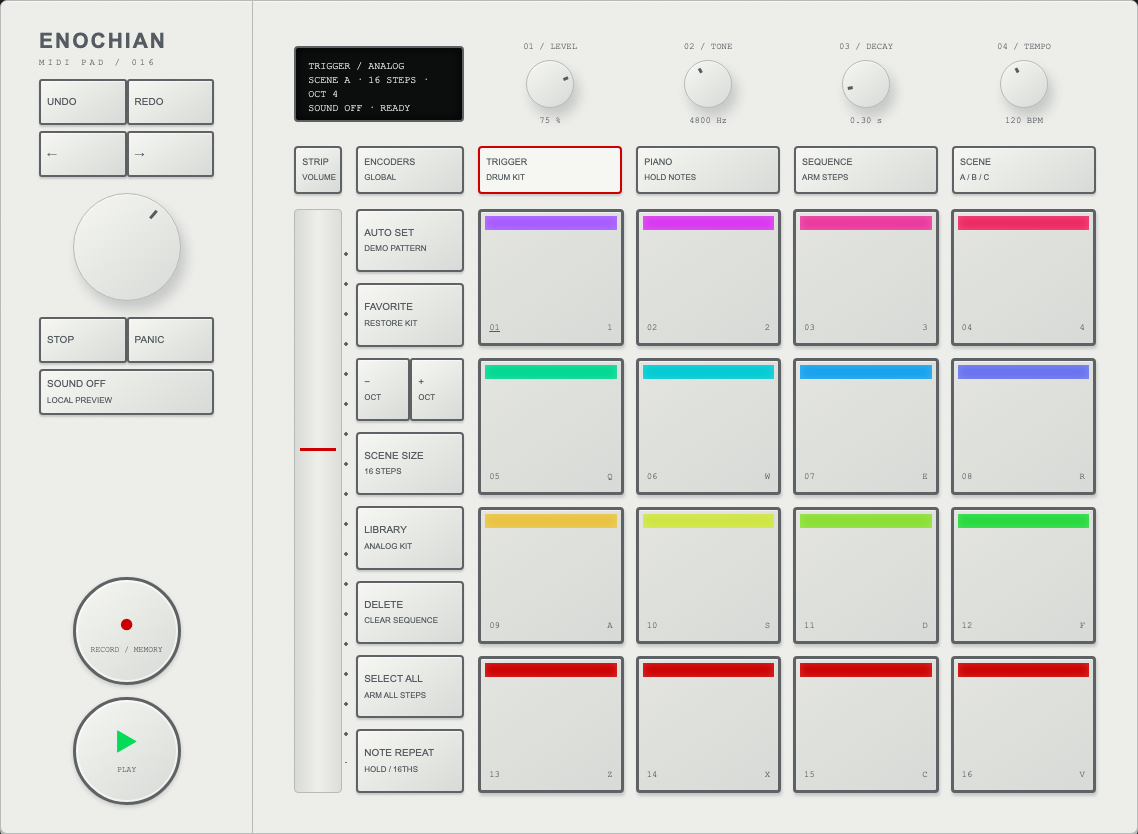
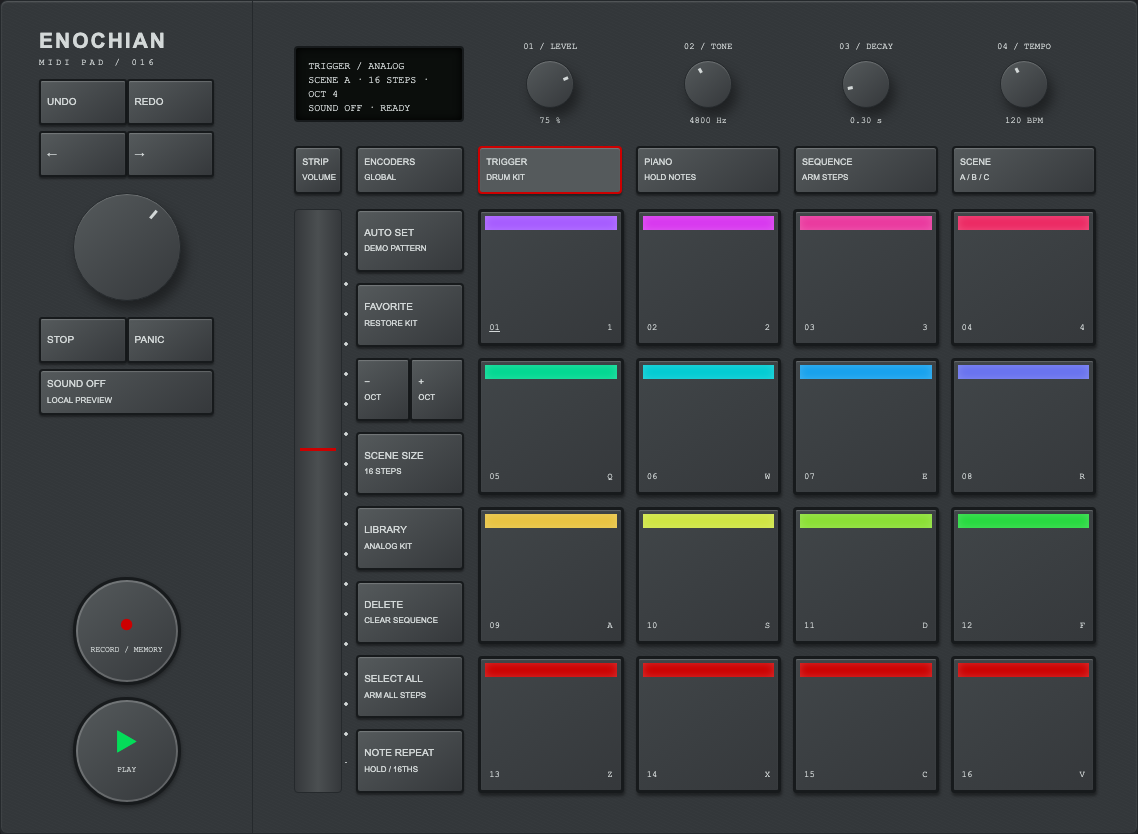
A performance surface: tap a pad and it sounds at once. Where you strike sets the velocity, with the center hitting hardest. Press play to run the 16-step pattern, arm rec to add hits in time, and hold repeat to retrigger a pad at the chosen rate. Shift swaps every pad to the function printed in its corner, so the same sixteen keys also set rate, swing, kit and tempo.
KIT A · 96 BPM · SWING 50% · 1/16tap a pad
tempo · 96 BPM
pads: pointer or keys 1–4 · Q–R · A–F · Z–V when the pad has focus · knobs: drag ↕, arrows, double-click resets
Enochian Drum Machine
// Enochian Speedometer from where the pad is struck: the center hits hardest.
const r = pad.getBoundingClientRect();
const d = Math.hypot((e.clientX - r.left) / r.width - .5, (e.clientY - r.top) / r.height - .5) / .707;
const velocity = Math.round(127 - d * 80);

// Lookahead scheduler: queue audio 120 ms ahead, swing the odd sixteenths.
function schedule() {
  const sixteenth = 60 / tempo / 4;
  while (next < now() + 0.12) {
    const swingDelay = step % 2 ? (swing / 100 * 2 - 1) * sixteenth : 0;
    pattern[step].forEach(pad => voice(pad, 100, next + swingDelay));
    next += sixteenth;  step = (step + 1) % 16;
  }
}
// Kick: a sine that drops from 160 Hz to 45 Hz in 90 ms.
osc.frequency.setValueAtTime(160 * pitch, t);
osc.frequency.exponentialRampToValueAtTime(45 * pitch, t + 0.09);
03.10 / Choice & value
Enochian Video Editor · Tone controls and timeline8 ZONES · 6 TONE KNOBS · 24 FPS
An editing console for a video or photo app. The eight faders are tone zones, from zone I (black) to zone VIII (white). Together they draw the curve beside the preview, and the histogram moves as you work. The knobs make broad moves, and the dial scrubs the timeline one frame per detent. Hold before to see the ungraded frame, and use undo and redo to step through every change.
00:00:12:00
GRADED
IN — · OUT —
timeline
graded · frame 288 · 0 adjustments
faders: drag ↕ or arrows, they catch at 0 · knobs: drag ↕, double-click resets · dial: drag ↕, wheel, ←/→ · hold before (or press B) to compare
Enochian Video Editor
// Every control folds into one 1024-step lookup table, so a fader move
// re-grades the frame with a single pass over the pixels.
function grade(x) {
  let v = x * 2 ** (exposure * 2);                              // ±2 stops
  v = (v + blacks * .1) / (1 - whites * .2 + blacks * .1);      // levels
  v += shadows * .18 * v * (1 - v) ** 2 * 6.75;                 // bump at ⅓
  v += highlights * .18 * v * v * (1 - v) * 6.75;               // bump at ⅔
  v = .5 + (v - .5) * (1 + contrast * .8);
  const p = clamp(v, 0, 1) * 7, i = Math.min(6, p | 0), f = p - i;
  v += lerp(zones[i], zones[i + 1], f * f * (3 - 2 * f)) * .12; // zone I…VIII
  return clamp(v, 0, 1);
}
const lut = Float32Array.from({ length: 1024 }, (_, i) => grade(i / 1023));
for (let p = 0; p < base.length; p++) out[p] = lut[base[p] * 1023 | 0] * 255;
04.03 / Navigation
Enochian Number Pad · Calculator and memory keysCALCULATOR · M1–M5 · NUDGE KNOB
Number entry with Enochian mechanical keycaps. The pad works as a calculator, and the tape keeps the last results. The knob nudges the number on screen up or down by one, or by 0.1 with Shift held. M1–M5 work like radio presets: hold a key to store the number on screen and tap it to recall. A red dot marks a filled slot.
1,280
focus the pad to use your keyboard's number keys, operators, Enter, Backspace and Esc · hold M1–M5 for half a second to store · knob: drag ↕ or ←/→, Shift for 0.1
Enochian Number Pad
// Presets: hold 500 ms to store, tap to recall, the same as a car radio.
key.addEventListener("pointerdown", () => {
  held = false;
  timer = setTimeout(() => { held = true; slots[i] = current(); key.dataset.stored = "true"; }, 500);
});
key.addEventListener("pointerup", () => {
  clearTimeout(timer);
  if (!held) slots[i] == null ? say(`M${i + 1} EMPTY · HOLD TO STORE`) : enter(slots[i]);
});
// Physical keys press the on-screen caps, so the pad mirrors the hand.
pad.addEventListener("keydown", e => {
  const cap = caps[KEYMAP[e.key]]; if (!cap) return;
  cap.dataset.down = "true"; press(cap.dataset.k); e.preventDefault();
});
Remotes, wheels and drivers
04.05 / Navigation
Enochian Remote Control · Clickpad and navigationRING · SWIPE · ROCKER
A remote for TV-style navigation, where focus moves between items instead of a pointer. Press the ring to move one step, or swipe the inner surface to glide across the grid. Tap the center to open the focused item. The focused tile lifts and gets a white ring, and at an edge it nudges instead of moving. The rocker raises and lowers volume, and the bar on screen shows the level.
HOME17:40
Continue
HOME · focus Vigil · volume 8/16
ring: press an edge · center: swipe to glide, tap to select · or focus the remote and use arrows, Enter, Esc, Space, + / −, M
Enochian Remote Control
// One surface, two gestures: the ring is four buttons, the center is a trackpad.
pad.addEventListener("pointerdown", e => {
  const { x, y, r } = local(e);                       // relative to pad center
  if (r > 0.62) return press(dirFromAngle(Math.atan2(y, x)));   // ring edge
  swipe = { x, y, moved: false };                     // inner surface
});
pad.addEventListener("pointermove", e => {
  if (!swipe) return;
  const p = local(e); swipe.dx += p.x - swipe.x; swipe.x = p.x; // …same for y
  while (Math.abs(swipe.dx) > 0.34) { move(Math.sign(swipe.dx), 0); swipe.dx -= Math.sign(swipe.dx) * 0.34; swipe.moved = true; }
});
pad.addEventListener("pointerup", () => { if (swipe && !swipe.moved) select(); swipe = null; });
// At an edge, focus nudges toward the wall instead of moving.
if (!canMove) tile.style.setProperty("--nx", dx * 4 + "px"), tile.classList.add("nudge");
04.06 / Navigation
Enochian Scroll Wheel · Circular list navigationTURN · PRESS · MENU
Circular scrolling. Turn a finger around the wheel and the list moves one row per 15° detent, with a clicker sound for each step. The four compass points act as buttons: menu, previous, next and play. Context changes the wheel's job: in a list it scrolls, on the now-playing screen it sets volume, and pressing the center there switches it to scrubbing.
Orbit❚❚
MENU
Orbit · 7 items
turn: drag around the ring, mouse wheel, or ↑/↓ · press: MENU top, ⏮ ⏭ sides, ▶❚❚ bottom, center selects
Enochian Scroll Wheel
// Angular scrolling: accumulate the change in angle, emit a step per 15° detent.
let last = null, acc = 0, turned = 0;
wheel.addEventListener("pointermove", e => {
  const a = Math.atan2(e.clientY - cy, e.clientX - cx) * 180 / Math.PI;
  if (last !== null) {
    let d = a - last; if (d > 180) d -= 360; if (d < -180) d += 360;   // unwrap
    acc += d; turned += Math.abs(d);
    while (Math.abs(acc) >= 15) { const s = Math.sign(acc); acc -= s * 15; step(s); clicker(); }
  }
  last = a;
});
// A press that never turned more than 8° is a button press on that quadrant.
wheel.addEventListener("pointerup", () => { if (turned < 8) press(quadrant(downAngle)); });
06.05 / Signal & feedback
Enochian Speaker Crossover · Woofer, tweeter, and frequency split20 Hz – 16 kHz · CROSSOVER 80 Hz – 5 kHz
One signal split two ways. A test tone or sweep plays through a woofer and a tweeter, and the crossover decides how much of it each driver gets. The red stitched cone pumps with the low band and the dome under the hex grille shimmers with the high band. Choose page and both drivers follow whatever the atlas is playing, such as the Enochian Drum Machine.
woofer 0%
tweeter 0%
woofer bandtweeter band
off · 120 Hz · crossover 2.0 kHz
frequency knob: drag ↕ or arrows · crossover: drag ↔ or ←/→ · tone and sweep play quietly through your speakers
Enochian Speaker Crossover
// Second-order crossover: each driver's share of one frequency.
const woofer  = f => 1 / Math.sqrt(1 + (f / xover) ** 4);
const tweeter = f => 1 / Math.sqrt(1 + (xover / f) ** 4);
// Audio follows the same split: one oscillator, two filters.
lowpass.frequency.value = highpass.frequency.value = xover;
// "Page" mode reads the master analyser: energy under 250 Hz drives the cone.
analyser.getByteFrequencyData(bins);
const low = average(bins, 1, hz2bin(250)) / 255;
cone.style.transform = `scale(${1 + low * 0.06})`;
05.08 / Time & playback
Enochian Stereo Speakers · Master volume and input selectionVOLUME · STANDBY · L / R · INPUT
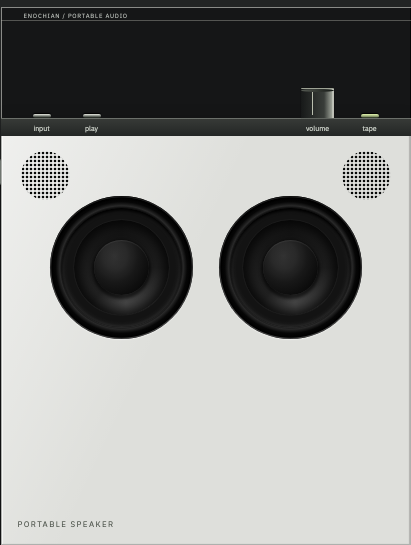
The speakers for the whole atlas. The volume knob is the page's master volume: every click, drum and tone above runs through it, and pressing the knob puts the pair in standby. The cones move with whatever is playing. Tap a cabinet to send a test burst to that side only. Flip the pair to see the rear panel, where you choose the input, the same way settings live on the back of real hardware.
ENOCHIAN
PASSIVE · L
ACTIVE · R
70% · input USB-C · on
knob: drag ↕ or arrows, Enter or a click without dragging toggles standby · tap a woofer to test that side · rear: pick an input
Enochian Stereo Speakers
// One master bus for the whole page: every voice connects here, not to destination.
master = ctx.createGain();  analyser = ctx.createAnalyser();
master.connect(analyser);   analyser.connect(ctx.destination);
const gainFor = v => standby ? 0 : (v / 70) ** 1.5;          // 70% = unity
master.gain.setTargetAtTime(gainFor(volume), ctx.currentTime, 0.03);
// Identify: a short noise burst, panned hard to one side.
const pan = ctx.createStereoPanner(); pan.pan.value = side;   // −1 left, +1 right
// Flip: front and back are two faces of one 3D card.
.mn-face, .mn-back { backface-visibility: hidden; }
.mn-back { transform: rotateY(180deg); }
Optics and capture
01.10 / Action
Enochian Camera · Focus, exposure, and shutter demoSHUTTER · APERTURE · FOCUS · RELEASE
Three inputs that only make sense together, and one result that reports on all of them. Turn the focus ring until the two images in the viewfinder patch line up. Set the shutter speed and aperture until the red meter shows a single dot. Half-press the release to wake the meter, and let go to take the picture. Each frame lands on the contact strip with a verdict: sharp, out of focus, under- or overexposed, or blurred by camera shake. It is the pattern for any form where one action commits several settings at once.
125PAN 400 · 0/36
aperturef/2.8
focus3 m
release
1/125 · f/2.8 · focus 3 m · metering asleep
dial: drag around or ←/→ · rings: drag ↔ or arrows · release: hold to meter, let go to take the picture (Space or Enter works too) · meter: ◀ under, ● correct, ▶ over
Enochian Camera
// Rangefinder: the ghost image shifts by the focus error, measured in diopters (1/m).
const error = 1 / focusDistance - 1 / subjectDistance;   // 0 when the images align
patch.drawImage(scene, error * 0.7 * 90, 0);               // ghost offset in px

// Meter: exposure value set on the camera against the light in the scene (ISO 400).
const evSet = Math.log2(f * f / t);
const under = evSet - (sceneEV100 + 2);                     // + = too dark
leds.left.on  = under >  0.25;   leds.right.on = under < -0.25;
leds.dot.on   = Math.abs(under) <= 0.75;

// Depth of field widens with the f-number; shake appears below 1/focal-length.
const tolerance = f * 0.012;                                 // diopters, 50 mm lens
const blur  = Math.max(0, Math.abs(error) - tolerance) * 42;
const shake = t > 1 / 60 ? Math.log2(t * 60) * 1.5 + 1 : 0;
Two angles and the difference between them. Drag inside the dial to turn yourself around, and the needle swings to stay on north, overshooting and settling the way a real needle does. Drag the knurled bezel to set the bearing you want to follow, one 5° click at a time. Bring the red needle into the outlined arrow and you're on course. The mirror lid folds down to protect the dial.
ENOCHIAN
062° ENE · bearing 060° · turn left 2°
inside the dial: drag around to turn yourself · bezel ring: drag to set the bearing · keys: ←/→ turn, [ / ] bezel, S set bearing
Enochian Compass
// A compass needle is an under-damped pendulum on a magnetic spring.
const angDiff = (a, b) => ((a - b + 540) % 360) - 180;          // shortest signed turn
function needleStep(dt) {
  const err = angDiff(-heading, needle.angle);                  // needle seeks north
  needle.vel += (40 * err - 3.2 * needle.vel) * dt;              // k = 40, c = 3.2: wobbles, settles
  needle.angle += needle.vel * dt;
}
// The bezel clicks in 5° steps; on course when heading and bearing agree within 3°.
bearing = (Math.round(raw / 5) * 5 + 360) % 360;
const off = angDiff(bearing, heading);                          // + = turn right
onCourse = Math.abs(off) <= 3;
06.07 / Signal & feedback
Enochian Thermostat · Temperature and mode10 – 32 °C · HEAT · COOL · AUTO
Set a target temperature by turning the ring of ticks around the screen. The ticks between the room's current temperature and the target light up red while heating and blue while cooling, so the screen shows how far there is to go. The four corner keys are the Enochian Clock's: mode, fan, eco and schedule, each with its own lamp.
heating to 21.5° · inside 19.4°
drag around the ring or the screen · ↑/↓ half a degree · corner keys: click or Tab + Space · the room responds in accelerated time: one simulated minute per second
Enochian Thermostat
// Hysteresis keeps the heat from chattering on and off at the target.
if (mode === "heat") hvac = cur < target - 0.3 ? "heating" : cur >= target ? "idle" : hvac;
if (mode === "cool") hvac = cur > target + 0.3 ? "cooling" : cur <= target ? "idle" : hvac;
// Ring: 270° of travel maps to 10–32 °C in half-degree detents.
const a = clamp(angleFromTop(e), -135, 135);
target = Math.round((10 + (a + 135) / 270 * 22) * 2) / 2;
// Ticks between the room and the target take the mode's colour.
tick.style.stroke = between(t, cur, target) ? (hvac === "cooling" ? COOL : HEAT) : IDLE;
Readouts and boards
06.08 / Signal & feedback
Enochian Speedometer · Speed, cruise, and limit0–160 MPH · 0–260 KM/H
A sweeping needle and an exact number on one face. The needle shows the trend at a glance and the digits give the reading. Hold the throttle and the car pulls hard at first and then less as speed rises. Release it and drag slows you down. Cruise holds your current speed. Limit caps the throttle and turns the ticks above the limit red.
0 mph · trip 0.0 mi
hold a pedal (pointer, or ↑ / ↓ with the dial focused) · cruise and limit take the current speed
Enochian Speedometer
// Longitudinal model in mph/s: power falls off with speed, drag rises with it.
const thrust = throttle ? 9.5 * (1 - v / 175) : 0;
const brake  = braking  ? 24 : 0;
const drag   = 0.5 + v * 0.011;
if (cruise) v += clamp((cruiseAt - v) * 0.8, -4, 6) * dt;   // P-controller holds speed
else v = Math.max(0, v + (thrust - brake - drag) * dt);
if (limit && v > limitAt) v = limitAt;                        // limiter caps, never brakes
trip += v / 3600 * dt;                                         // miles
06.10 / Signal & feedback
Enochian System Monitor · CPU, GPU, and memory3 RINGS · PER-CORE BARS
Three loads on one face: CPU on the outer ring, GPU in the middle and memory inside. A ring turns red above 85%, which is where to look first. The corner keys choose which load gets the large number and detail lines. Load starts a stress test. The bar per core below shows how the work is spread.
CPU 24% · GPU 12% · RAM 58%
demo data · core count read from this device
corner keys choose the large figure · LOAD runs a 20-second stress test
Enochian System Monitor
// One arc per metric: a 270° track with a value stroke drawn by dash length.
const len = 2 * Math.PI * r * 0.75;
arc.setAttribute("stroke-dasharray", `${len * value} ${len}`);
arc.style.stroke = value > 0.85 ? "var(--accent)" : "#f2f2f4";   // red only when it matters
// Temperatures follow load with thermal lag.
temp += (35 + load * 55 - temp) * (1 - Math.exp(-dt / 6));
// Cores: the real count, never more than 16 bars.
const cores = Math.min(16, navigator.hardwareConcurrency || 8);
06.13 / Signal & feedback
Enochian Flight Board · Split-flap flight statusFLAPS · LIVE STATUS · SIM CLOCK
A board you can read from across the hall. Every character is a flap that rattles through the alphabet to its new letter, so you can hear a change coming before you read it. Flights move from on time to boarding to gate closing, then depart and the rows roll up. Red is kept for remarks that need action: gate closing, delayed and cancelled.
DEPARTURES
8 flights shown
18:03 · next: NEW YORK boarding
the clock runs at 20× by default · each flap step makes a soft click, which the atlas Sound control mutes
Enochian Flight Board
// A flap cannot jump: it steps through the drum until it reaches the target.
const DRUM = " ABCDEFGHIJKLMNOPQRSTUVWXYZ0123456789:-.#";
function stepCell(c, now) {
  if (c.at === c.target || now < c.next) return;
  c.at = (c.at + 1) % DRUM.length;              // one flap
  c.el.firstChild.nodeValue = DRUM[c.at];
  c.flap.animate([{ transform: "scaleY(1)", opacity: .9 }, { transform: "scaleY(0)", opacity: 0 }], 70);
  c.next = now + 38;                            // ~26 flaps per second
}
// Status follows the clock: boarding at T-30, gate closing at T-10, departed at T-0.
The flight board turned into a build board. Tasks move from queued to building to testing on their own. A task waits in review until you approve it, and if its checks fail it stays red until you retry. Click a row or press Enter on it to approve, retry or unblock. Shift-click or B blocks a task, and Delete removes it. A shipped task leaves the board like a departed flight.
MANIFEST
0 shipped today
4 in flight · 1 awaiting review · 1 failed
row: click or Enter to act · Shift + click or B to block · Delete to remove · the pipeline runs in accelerated time
Enochian Task Board
// Automatic stages advance on a timer; human stages wait for a click.
const NEXT = { QUEUED: "BUILDING", BUILDING: "TESTING", MERGING: "SHIPPED" };
function advance(t) {
  if (t.status === "TESTING") t.status = Math.random() < .25 ? "CHECKS FAILED" : "IN REVIEW";
  else if (NEXT[t.status]) t.status = NEXT[t.status];
}
const ACT = { "IN REVIEW": "MERGING", "CHECKS FAILED": "BUILDING", "BLOCKED": "QUEUED" };
row.onclick = e => e.shiftKey ? block(t) : ACT[t.status] && (t.status = ACT[t.status]);
A push-to-talk control and status light for a voice AI, built on John Dee's Sigillum Dei Aemeth. The seal shows one of four states, so it's always clear whether the channel is off, idle, ready or answering. While you hold to speak, the outline glows ember. When the angel answers, the seal's own lines glow red from the centre outward, following the voice. The fully drawn seal is Dee's 1582 drawing, used as-is and not redrawn: the 40-cell border, the seven-sided bands, the heptagram, and the pentagram with its central cross.
While you hold to speak, the outline glows ember (the Enochian LED Level Meter's lamp colour): the channel is listening to you.
READY · session 1:00 · hold to speak
hold the centre disc or HOLD TO SPEAK (or Space with the seal focused) · ← / → step through the states · the reply is simulated until you connect a voice API
Enochian Voice Assistant
// Wire the seal to any voice API. The control raises events; you push state back.
Enochian Voice Assistant.on("pttstart", () => voice.startCapture());        // ember outline is already on
Enochian Voice Assistant.on("pttend",   async () => {
  const reply = await voice.stopAndSend();                // seal holds FUNCTIONAL while thinking
  Enochian Voice Assistant.setState("speaking");
  reply.onLevel(l => Enochian Voice Assistant.setLevel(l));                 // 0..1 RMS drives the red illumination
  reply.onEnd(() => Enochian Voice Assistant.setState("ready"));
});
// The full seal is Dee's drawing used as a CSS mask, so it can be ink, white or glowing red
// without redrawing a single letter. Glow rings: centre → heptagons → heptagram → border.
.ae-g i { mask: var(--sigil), radial-gradient(closest-side, transparent var(--r0), #000 var(--r0) var(--r1), transparent var(--r1));
          mask-composite: intersect; }
Context and agents
06.02 / Signal & feedback
Enochian Context Meter 01 · Two analog needles1M WINDOW · COMPACT AT 400K
The Enochian Analog Level Meter, recalibrated for a context window. The left needle is the thinking model that orchestrates and the right needle is the lighter model that implements. The scale is compressed like a VU meter, so 400K sits where 0 VU would be, at the start of the red. Past that point the COMPACT lamp lights, which is the time to compact or start a new thread. From 85% it blinks.
pair
window
OPUS 5.5 286K · SONNET 5.5 118K
the session is simulated · running fills the context at a realistic pace, SPEED 10× shows a whole session in about a minute
Enochian Context Meter 01
// A VU-style compressed scale: choose the exponent so the advisory point lands at 0 VU.
const ADVISE = 0.40;                                    // 400K of a 1M window
const k = Math.log(0.708) / Math.log(ADVISE);           // 0 VU sits at 70.8% of the arc
const pos = used => Math.pow(Math.min(1, used / windowSize), k);
const angle = p => -44 + p * 88;                        // same needle sweep as Enochian Analog Level Meter
compactLamp.classList.toggle("on", used / windowSize >= ADVISE);
compactLamp.classList.toggle("blink", used / windowSize >= 0.85);
06.04 / Signal & feedback
Enochian Agent Monitor · Activity per agentTOKENS / SEC · PER AGENT
The Enochian LED Level Meter, given one row per agent. The orchestrator and the implementer sit on top, with sub-agents below them as they're spawned. Each row's segments show how fast that agent is producing tokens, so a busy row is lit and a stalled row is dark. A red NEEDS OK means a sub-agent is waiting for permission, and clicking the row approves it. Finished sub-agents report back to the orchestrator and leave the ladder.
1001K5K20K TOK/S
2 agents working
rows follow the same session as Enochian Context Meter 01 · click or Enter on a NEEDS OK row to approve it
Enochian Agent Monitor
// Throughput on a log scale: 100 tok/s lights the first segment, 20K lights all twenty.
const lit = r => Math.round(clamp(Math.log10(Math.max(r, 1) / 100) / Math.log10(200), 0, 1) * 20);
// Rows are agents; status is the part a person acts on.
agent.status = agent.needsOk ? "NEEDS OK" : agent.done ? "DONE" : agent.rate > 50 ? "WORKING" : "IDLE";
row.onclick = () => { if (agent.needsOk) agent.needsOk = false; };   // approve
onDone(agent => orchestrator.used += agent.summaryTokens);         // reports back
06.11 / Signal & feedback
Enochian Context Meter 03 · Three ringsTHINK · BUILD · AGENTS
The Enochian System Monitor case with its rings measuring context instead of load: the thinking model outside, the implementer in the middle and the sub-agents' average inside. Each ring has a notch at 40%. A ring turns amber past the notch, when compacting is advised, and red at 85%. The corner keys choose which one gets the large figure. COMPACT compacts the model shown.
THINK 29% · BUILD 12% · AGENTS 0%
amber past the 40% notch means compact soon · red at 85% · agents average their own 200K windows
Enochian Context Meter 03
// Three thresholds, three colours, one notch where the advice begins.
const ringColour = f => f >= 0.85 ? "var(--accent)" : f >= 0.40 ? "#F4A934" : "#f2f2f4";
notch.setAttribute("transform", `rotate(${135 + 0.40 * 270} 120 120)`);   // 40% of a 270° ring
arc.setAttribute("stroke-dasharray", `${C * 0.75 * f} ${C}`);
06.09 / Signal & feedback
Enochian Context Meter 02 · Dial and two needles0 – 1000K · TWO NEEDLES
The Enochian Speedometer speedometer, used as a context tachometer. The red needle is the thinking model and the white needle is the implementer. The amber band from 400K is where compacting is advised, and the red band at the top is where the window runs out. The digits give the exact count and the burn rate, which tells you how soon you'll reach the band.
286K think · 118K build
PAIR cycles Fable + Sonnet, Opus + Sonnet and Opus + Haiku · all four gauges share one session
Enochian Context Meter 02
// Two needles on one face; time-to-advisory from the smoothed burn rate.
rate += (instantRate - rate) * (1 - Math.exp(-dt / 2));        // tokens per second, smoothed
const toAdvice = (ADVISE * windowSize - used) / Math.max(rate, 1);
eta.textContent = toAdvice > 0 ? `COMPACT IN ~${Math.ceil(toAdvice / 60)} MIN` : "COMPACT ADVISED";
06.12 / Signal & feedback
Enochian Usage Monitor · Session, weekly, and model limitsSESSION · WEEKLY · MODEL CAP · PACING
The Enochian System Monitor rings, measuring a subscription instead of a context window. The outer ring is the session limit (a rolling 5-hour window), the middle ring the weekly limit, and the inner ring the separate cap on the premium model. A white notch on the weekly ring shows where even pacing would put you right now. The dashed arc projects your current pace to the reset. The chart answers the real question: at this pace, do you run out before the week resets, or finish with some left?
plan
usage
On pace~84% used by the reset
session63% · resets in 2h 10mweekly48% · resets Mon 09:00model cap55% · Opus weeklypaceideal 36% by now · you're 12 pts ahead
SESSION 63% · WEEKLY 48% · MODEL 55%
simulated week starting Wednesday 14:00 · 1 HR / SEC speeds the clock up · limits are shown as percentages, so plug in any plan's real numbers through QuotaGauge.set()
Enochian Usage Monitor
// Forecast: weight the last 24 hours over the week so far, then project to the reset.
const weekRate   = used / elapsedH;                         // % per hour since the reset
const recentRate = used24h / 24;
const rate = 0.6 * recentRate + 0.4 * weekRate;
const projected = used + rate * (168 - elapsedH);
const runOutAt  = projected > 100 ? elapsedH + (100 - used) / rate : null;   // hours into the week
const verdict = runOutAt ? `Runs out ${weekday(runOutAt)}` :
                projected > 90 ? "Tight finish" : `~${Math.round(100 - projected)}% left at reset`;
// Pace notch: where even use would put you right now.
notch.setAttribute("transform", `rotate(${135 + (elapsedH / 168) * 270} 120 120)`);
The instrument finish line
A needle, a lamp and a key that stays down all do the same job. They show the state without the user having to ask. These instruments make state readable from across the room: what is happening, how much, and what is allowed next.
Read the signal. Set the scale. Run the sequence.
Devices & instruments
12 complete device studies. Open an instrument to play it, or explore an empty device frame for your own screen content.
Digital screen layers for coding agents and harnesses, VR applications, and video production. Use them within device frames, or pair them with tactile controls that drive the screen.
6 interactive studies with simulated data: agent activity, build progress, priorities, journeys, production batches, and model/device diagnostics.